-
Thread
Arduino IDE (Atmega 328P Standalone) + Bewegungsmelder und Lichtsensor
Arduino-Sketch: https://github.com/RalphBacon/PIR-ATMega328P-Deep-Sleep/blob/master/Benny_Cupboard_Alarm.ino
-
Thread
Ich möchte aus einer Spannung einen binärcode erzeugen
Hardware habe ich einen Ardiuno UNO R3 verwendet. Falls es irritieren sollte: das Programm ist trotz .ino-Endung in C geschieben, < 1kB groß und kann einfach auf einen ATtiny44 gebracht werden.
-
Thread
Einfache CPU, einfacher Rechner, nur zum Lernen, Erfahrung?
>> >> Also werde ich ein: "Zeiger" bzw. der Lehrling sein. > (void*) enk; [c] sketch_jun17d.ino: In function 'void setup()': sketch_jun17d:6:11: error: 'enk' was not declared in this scope 6 | (void*) enk; | ^~~ [/c] Dann: Zeiger sollten initialisiert werden! Ins
-
Thread
Giess-o-mat mit AVR Version 2
Capture Interrupt: https://github.com/chbergmann/fab-giess-o-mat/blob/master/fab-giess-o-mat/src/sensor.ino Meine Schaltung misst den Entladevorgang des Kondensators, deine den Aufladevorgang. Ich denke, beide Methoden liefern ähnliche Ergebnisse.
-
 Bild
Bild
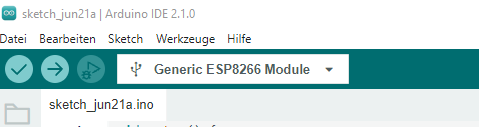
Ausschnitt der Arduino IDE mit ESP8266 Auswahl
sketch_jun21a | Arduino IDE 2.1.0 Datei Bearbeiten Sketch Werkzeuge Hilfe Generic ESP8266 Module sketch_jun21a.ino
-
Thread
Arduino Spektroskop mit dem Liniensensor TSL1401
Hallo Stoppi, sehr schönes Projekt. Mal eine Frage: Ich habe in dem .ino nicht gefunden, wo Du die rel. Emfindlichkeit des Sensors für unterschiedliche Wellenlängen einrechnest. Der Sensor bringt ja z.B. für 400nm nur ungefähr 1/2 des Signals, wie für 700nm (siehe Diagramm
-
Thread
Wohin mit den Berufseinsteigern? Gesperrt
hervorragendes Lehrbuch lesen, wie man sein Kapital fast so schnell vernichten kann wie im Spielcas*ino. Ciao Wolfgang Horn
-
 Bild
Bild
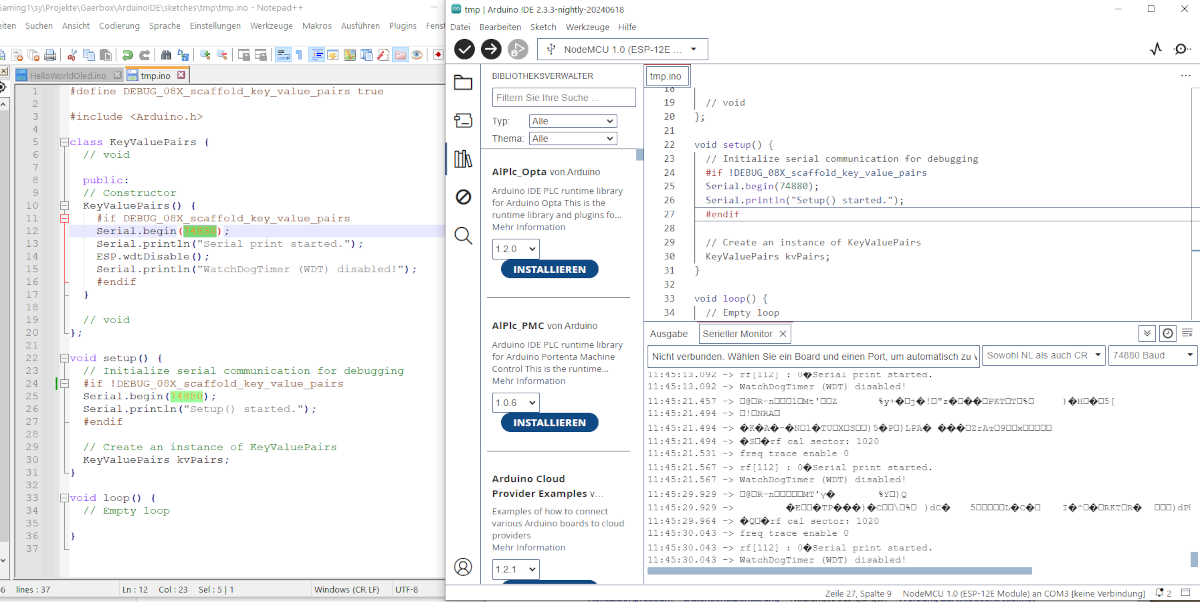
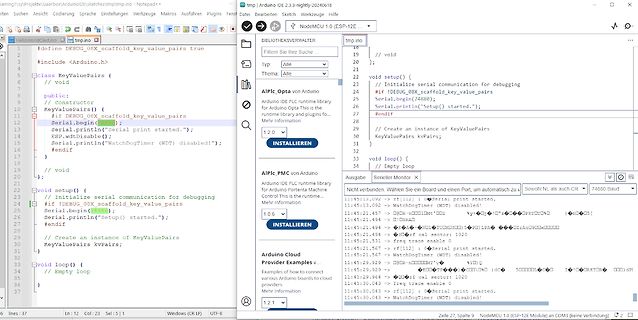
Screenshot eines Code-Editors und einer Arduino IDE
tmp.ino Arduino IDE 12.3 #include <Arduino.h> void setup() { Serial.begin(7488); Serial.println("Setup started."); } void loop() {} WatchDogTimer (WDT) disabled!
-
 Bild
Bild
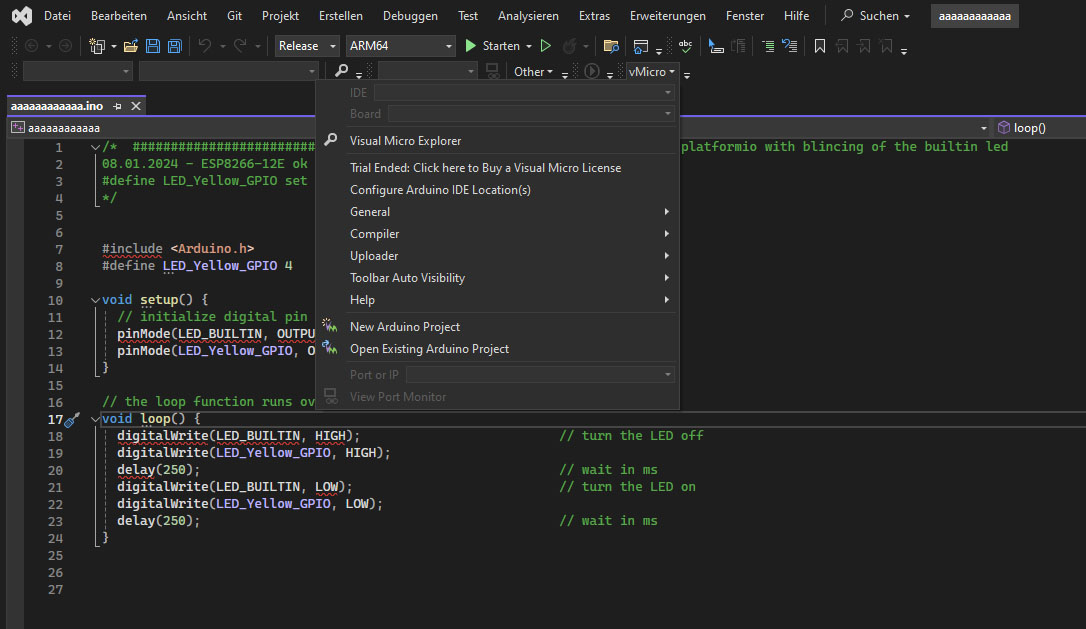
Arduino Programmcode zum Blinken einer LED
aaaaa...ino #define LED_Yellow_GPIO void setup() { pinMode(LED_BUILTIN, OUTPUT); pinMode(LED_Yellow_GPIO, OUTPUT); } void loop() { digitalWrite(LED_BUILTIN, HIGH); digitalWrite(LED_Yellow_GPIO, HIGH); delay
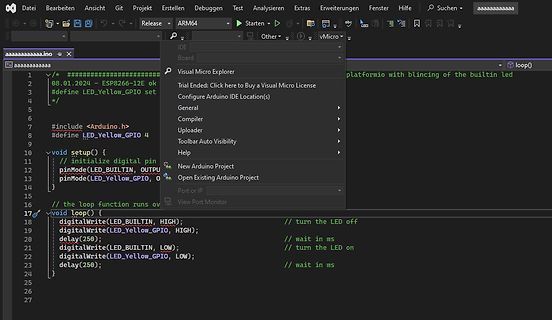
-
 Bild
Bild
Arduino IDE Code-Editor und Serieller Monitor
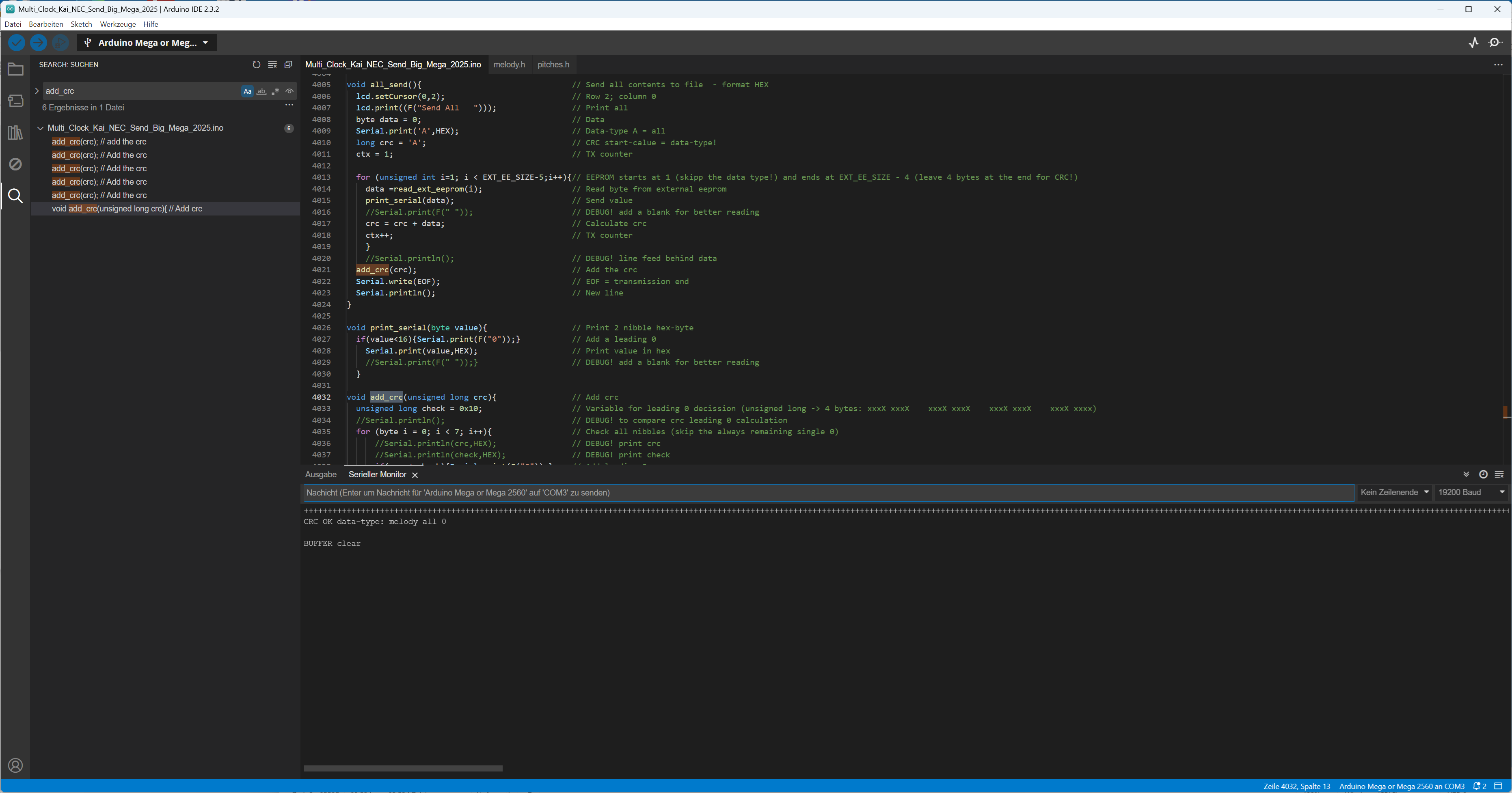
Multi_Clock_Kat_NEC_Send_Big_Mega_2025.ino void add_crc(unsigned long crc) { unsigned long crc = data; Serial.print("CRC: "); Serial.println(crc, HEX); } Serial Monitor Nachricht (Enter um Nachricht für Arduino Mega 2560 auf COM7 zu senden)
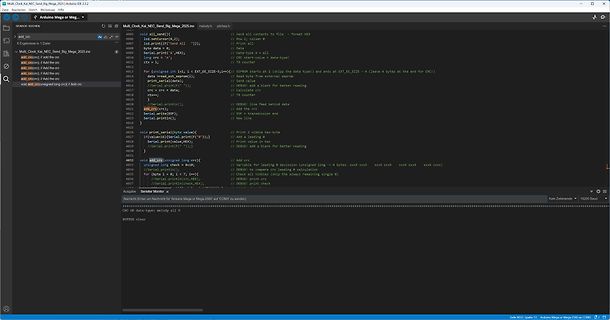
-
Thread
LED-Steuerung mit WLAN-Server, bistablen Relais und ZeroCrossSwitching
in das Hausautomatisierungssystem FHEM siehe Schaltplan.pdf siehe WLAN-Server_LED_Steuerung.ino Hardwarebeschreibung: Genutzt wurde ein ESP8266 NodeMcu V3, der über eine I2C-Schnittstelle einen „PCF8574 Remote 8-Bit I/O Expander for I2C Bus“ ansteuert und damit genügend Ausgänge hat, um die
-
 Bild
Bild
Code-Ausschnitt in der Arduino IDE
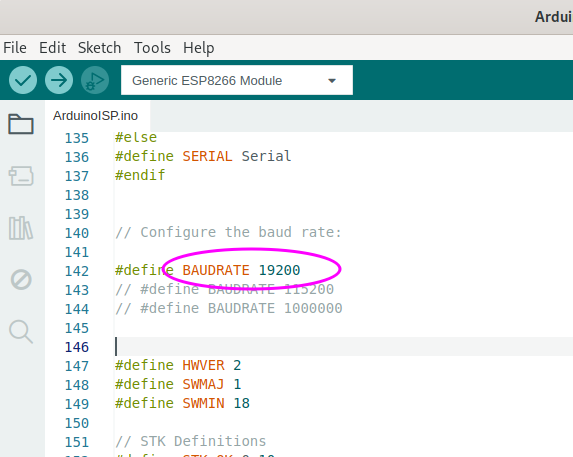
File Edit Sketch Tools Help Generic ESP8266 Module ArduinoISP.ino 135 #else 136 #define SERIAL Serial 137 #endif 138 139 // Configure the baud rate: 140 141 #define BAUDRATE 19200 142 // #define BAUDRATE 115200 143 // #define BAUDRATE 1000000 144 145 146 147 #define
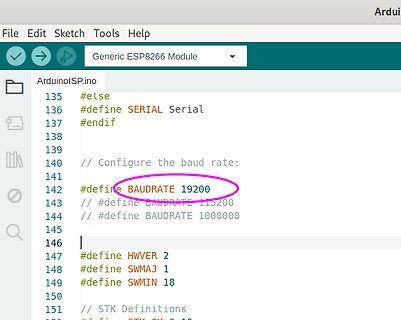
-
 Bild
Bild
Arduino IDE Code und Serieller Monitor
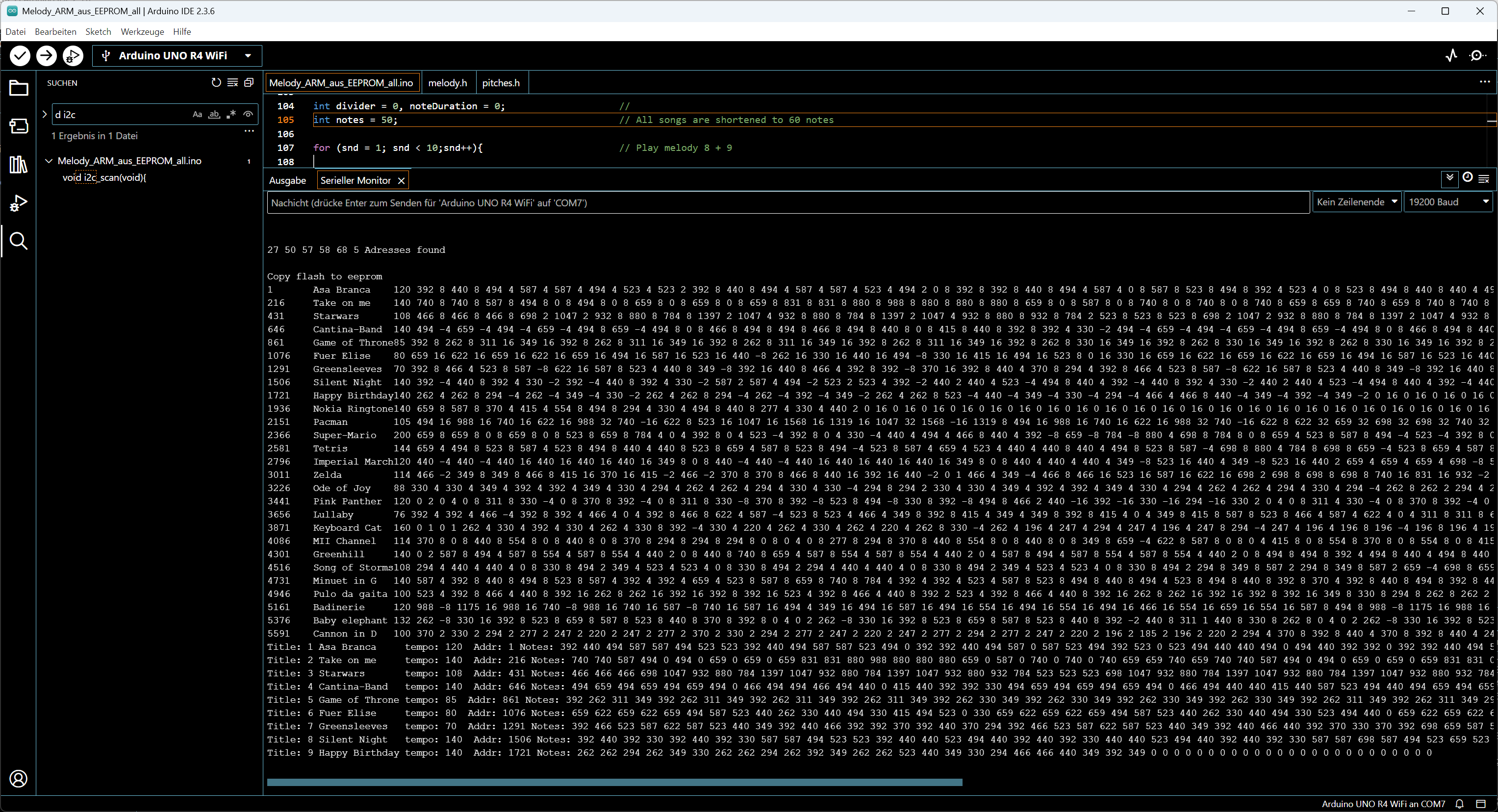
Melody_ARM_aus_EEPROM_all.ino - Arduino UNO R4 WiFi int divider = 0; int notes = 50; // All songs are shortened to 60 notes for (snd = 1; snd < 10; snd++); // Play melody 8 + 9 Ausgabe Serieller Monitor X Copy flash to eeprom 1

-
 Bild
Bild
Arduino IDE Code für ATtiny Mikrocontroller
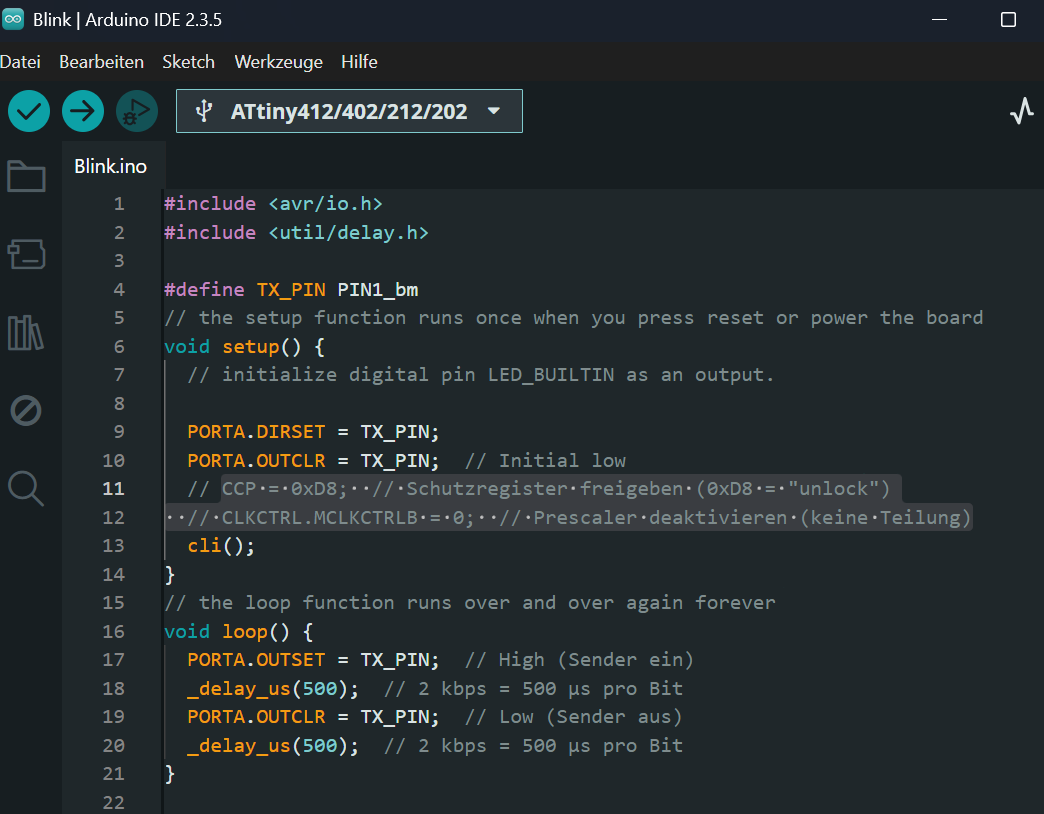
Blink | Arduino IDE 2.3.5 Datei Bearbeiten Sketch Werkzeuge Hilfe ATtiny412/402/212/202 Blink.ino #include <avr/io.h> #include <util/delay.h> #define TX_PIN PIN1_bm void setup() { PORTA.DIRSET = TX_PIN; PORTA.OUTCLR = TX_PIN; cli(); } void loop() { PORTA.OUTSET = TX_PIN; _delay_us(500); PORTA.OUTCLR
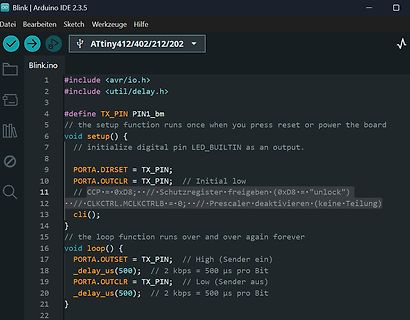
-
 Bild
Bild
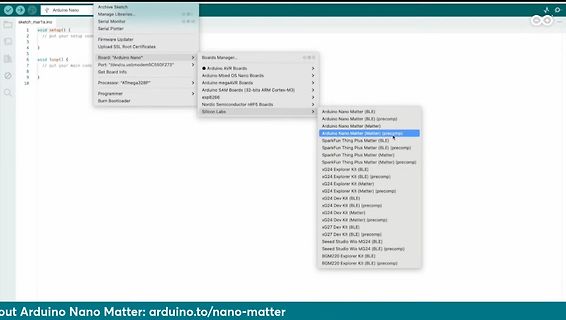
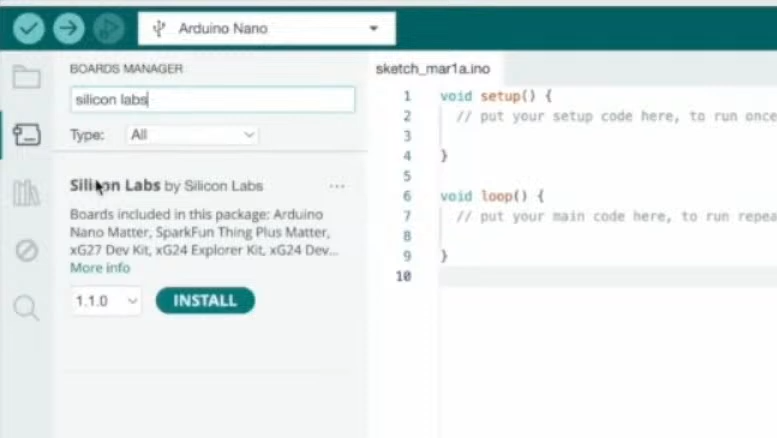
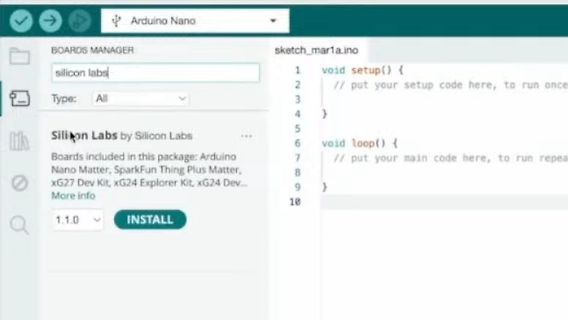
Arduino IDE Boards Manager für Silicon Labs
Thing Plus Matter, xG27 Dev Kit, xG24 Explorer Kit, xG24 Dev... More info 1.1.0 INSTALL sketch_mar1a.ino void setup() { // put your setup code here, to run once void loop() { // put your main code here, to run repeat
-
 Bild
Bild
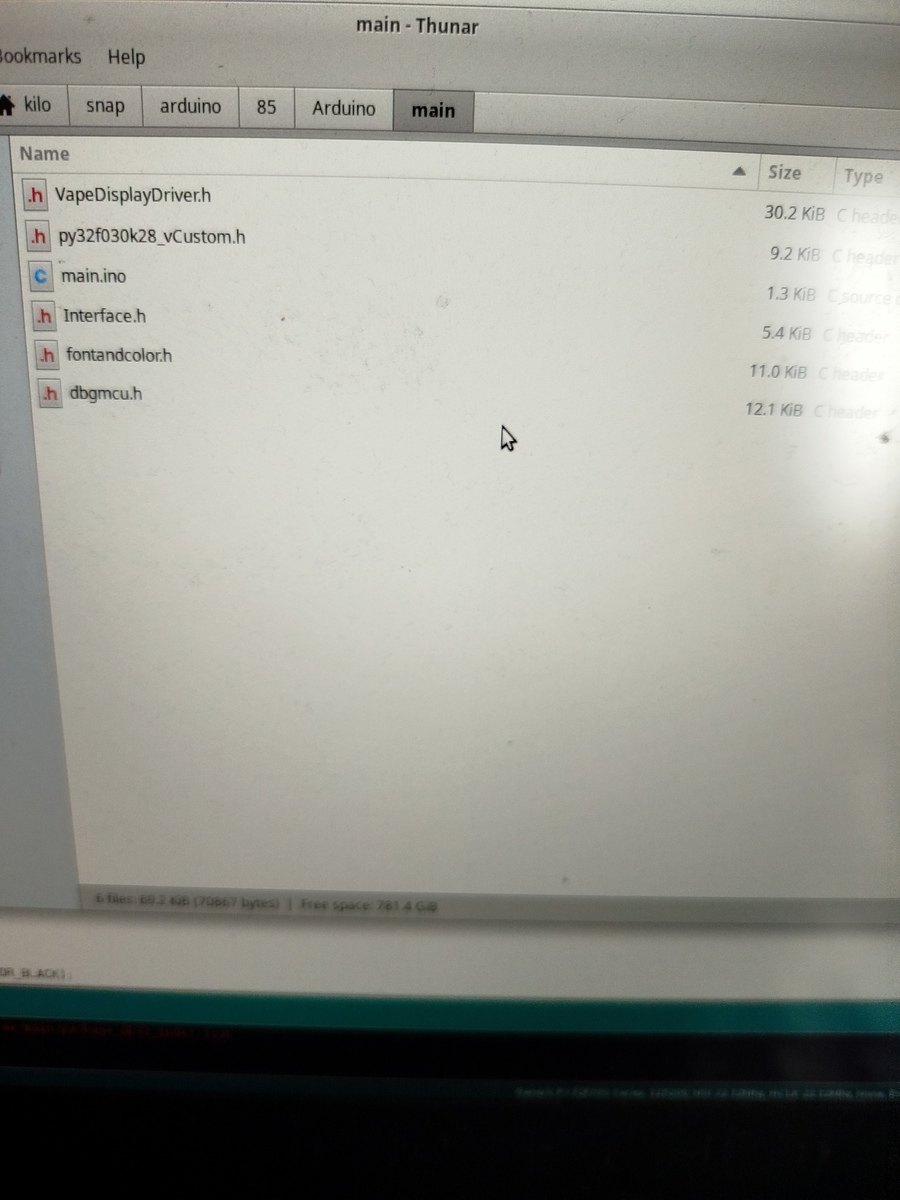
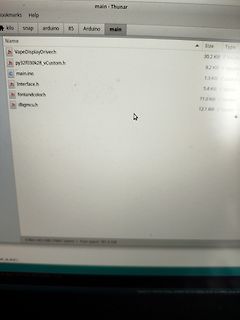
Dateiliste in einer Arduino-Entwicklungsumgebung
Size Type h VapeDisplayDriver.h 30.2 KiB C header h py32f030k28_vCustom.h 9.2 KiB C header c main.ino 1.3 KiB source c h Interface.h 5.4 KiB C header h fontandcolor.h 11.0 KiB C header h dbgmcu.h 12.1 KiB C header
-
 Bild
Bild
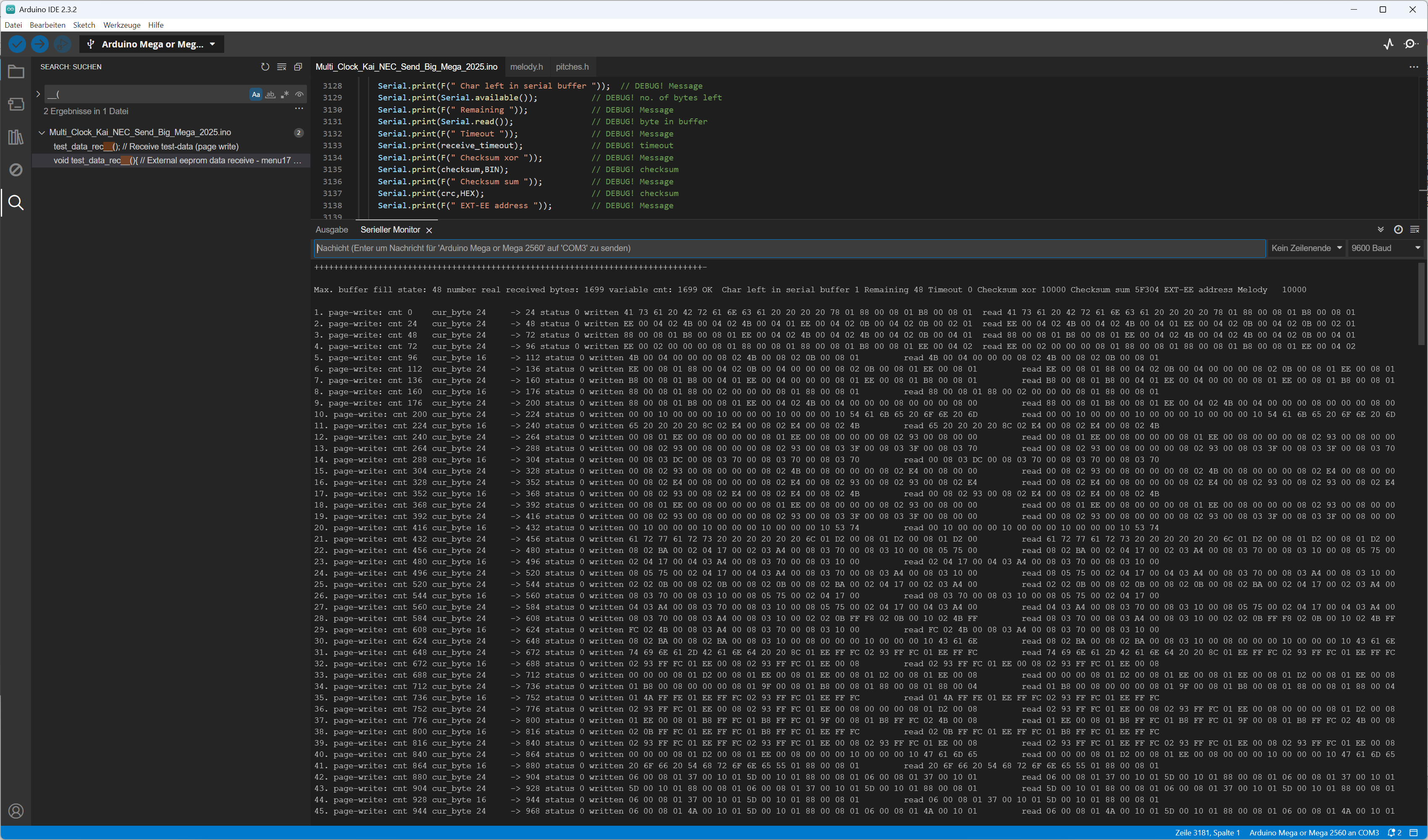
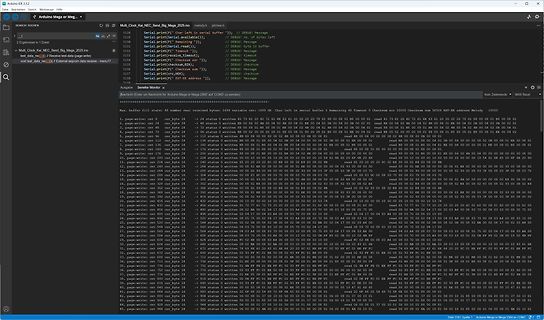
Arduino IDE Serienmonitor mit Hexadezimal-Ausgabe
Arduino IDE 2.3.2 Mult_Ka_NEC_Send_Big_Mega_2025.ino Serial Monitor Max buffer fill: 48 0. page-writes: cnt 0 1. page-writes: cnt 4 2. page-writes: cnt 8 3. page-writes: cnt 12 4. page-writes: cnt 16 5. page-writes: cnt 20 6. page-writes: cnt 24 7. page-writes
-
 Bild
Bild
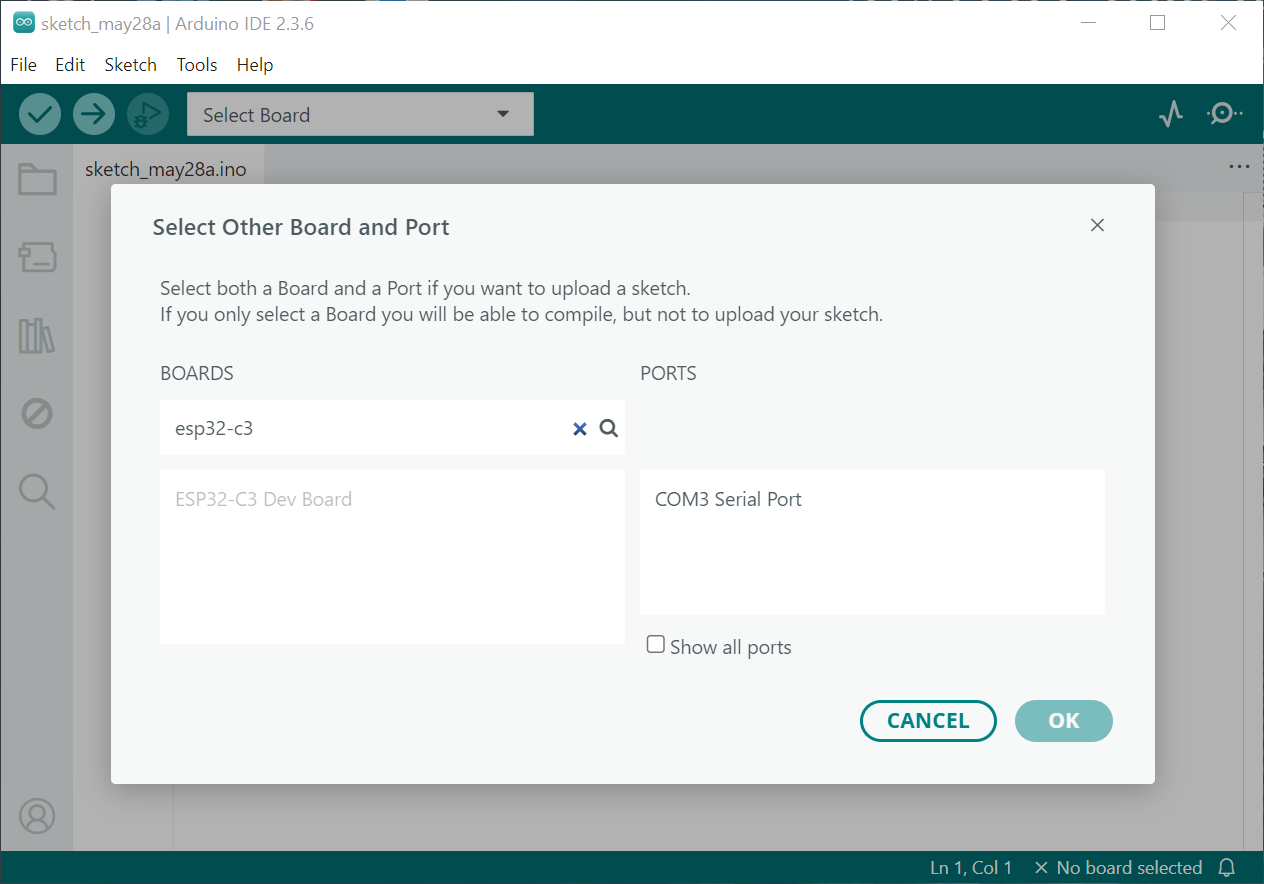
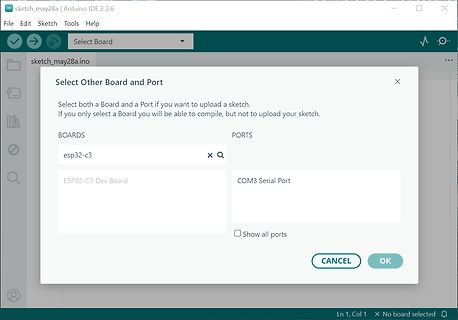
Arduino IDE Select Other Board and Port Dialog
sketch_may28a | Arduino IDE 2.3.6 File Edit Sketch Tools Help Select Board sketch_may28a.ino Select Other Board and Port Select both a Board and a Port if you want to upload a sketch. If you only select a Board you will be able to compile, but not to upload your sketch. BOARDS esp32-c3 ESP32
-
 Bild
Bild
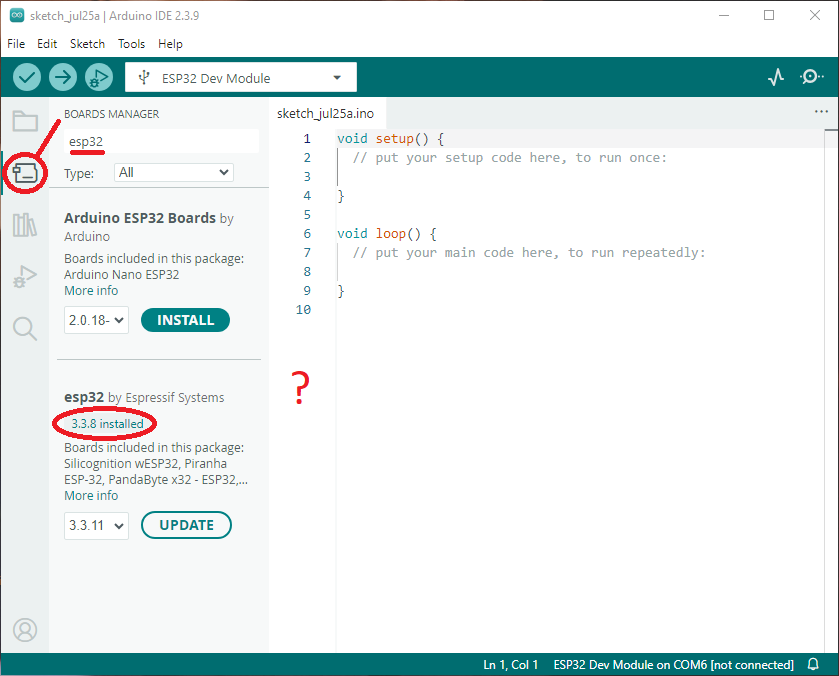
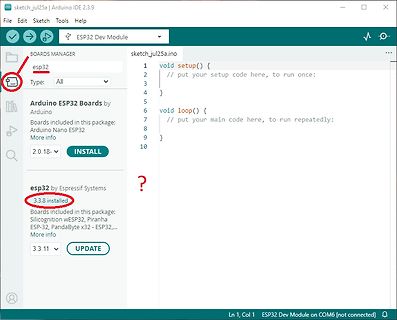
Arduino IDE Boards Manager mit ESP32 Installation
sketch_jul25a.ino void setup() { // put your setup code here, to run once; } void loop() { // put your main code here, repeatedly: } BOARDS MANAGER esp32 Type: All Arduino ESP32 Boards by Arduino Boards included in this
-
 Bild
Bild
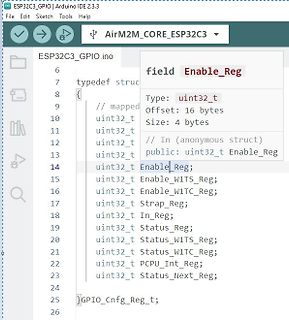
Programmcode in der Arduino IDE
ESP32C3_GPIO | Arduino IDE 2.3.3 ESP32C3_GPIO.ino typedef struc // mapped uint32_t uint32_t uint32_t Enable_Reg; uint32_t Enable_W1TS_Reg; uint32_t Enable_W1TC_Reg; uint32_t Strap_Reg; uint32_t In_Reg; uint32_t Status_Reg; uint32_t Status_W1TS_Reg;
-
 Bild
Bild
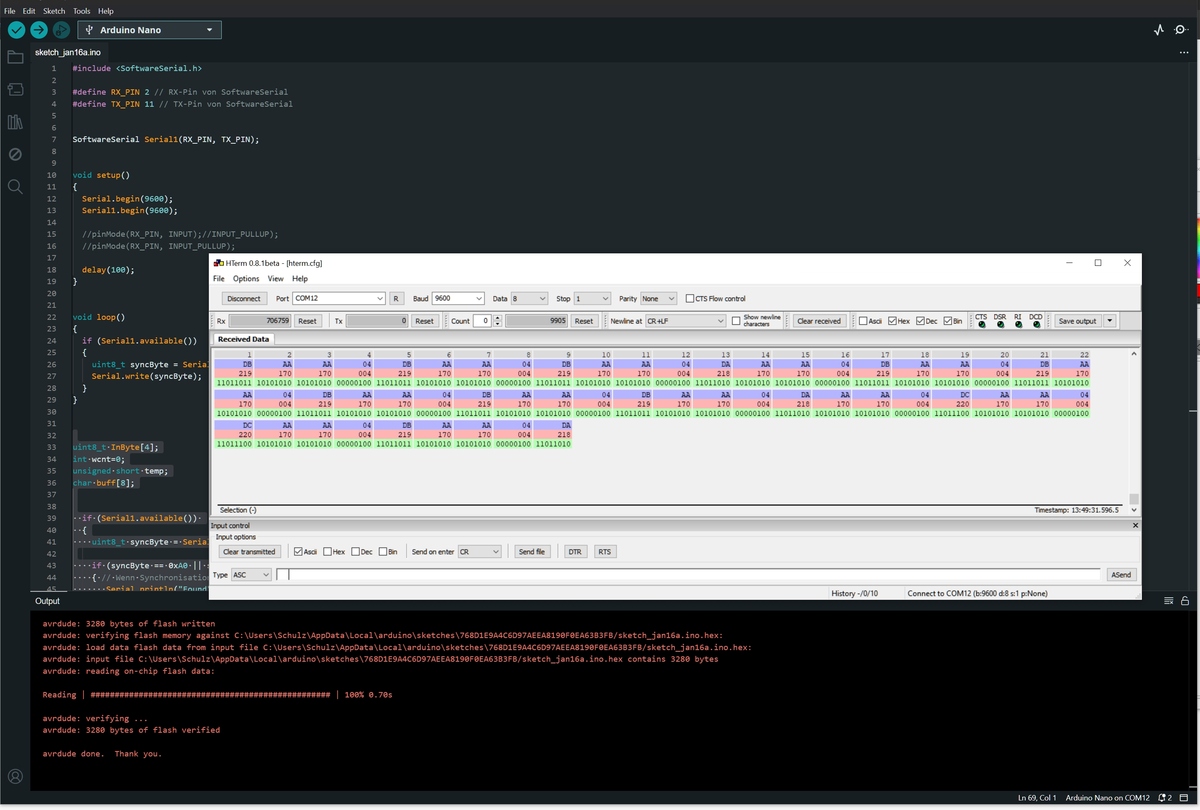
Arduino IDE Code und Serienmonitor
sketch_jan10a.ino #include <SoftwareSerial.h> #define RX_PIN 2 #define TX_PIN 11 SoftwareSerial mySerial(RX_PIN, TX_PIN); void setup() { Serial.begin(9600); mySerial.begin(9600); } void loop() { if (Serial.available(
-
 Bild
Bild
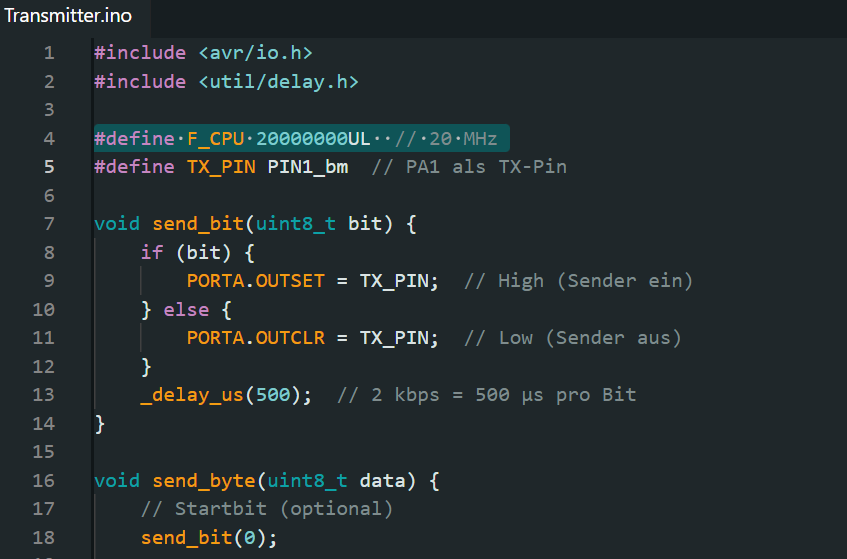
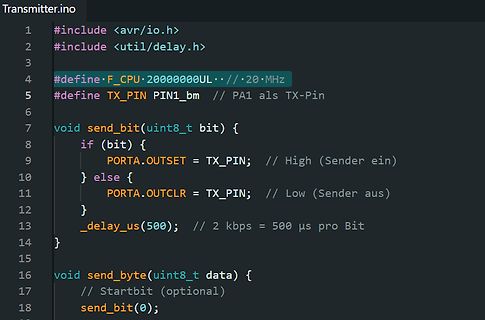
C-Quellcode für einen Bit-Transmitter
transmitter.ino #include <avr/io.h> #include <util/delay.h> #define F_CPU 20000000UL // 20 MHz #define TX_PIN PIN1_bm // PA1 als TX-Pin void send_bit(uint8_t bit) { if (bit) { PORTA.OUTSET = TX_PIN; // High (Sender
-
 Bild
Bild
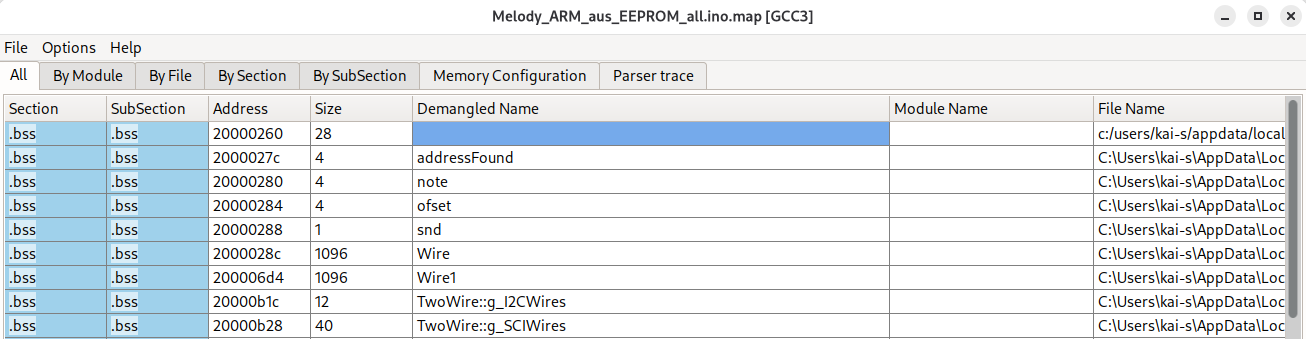
Map-Datei eines Mikrocontroller-Projekts
Melody_ARM_aus_EEPROM_all.ino.map [GCC3] All By Module By File By Section By SubSection Memory Configuration Parser trace Section SubSection Address Size Demangled Name Module Name File Name .bss .bss 20000260 28 .bss .bss 2000027c
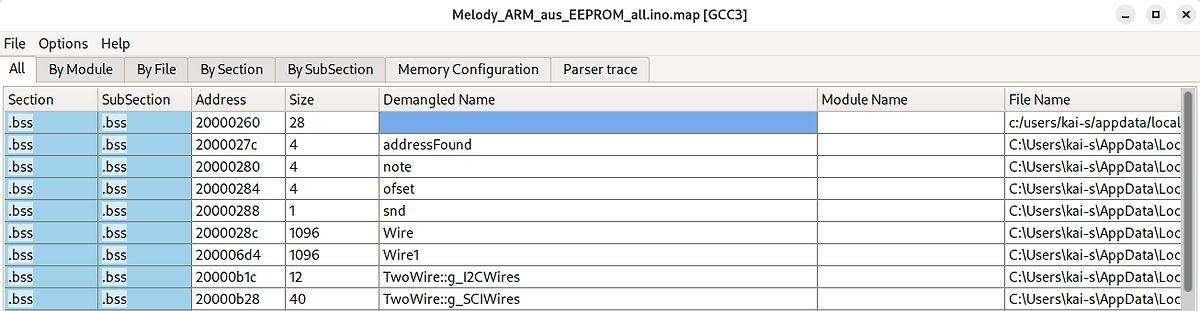
-
 Bild
Bild
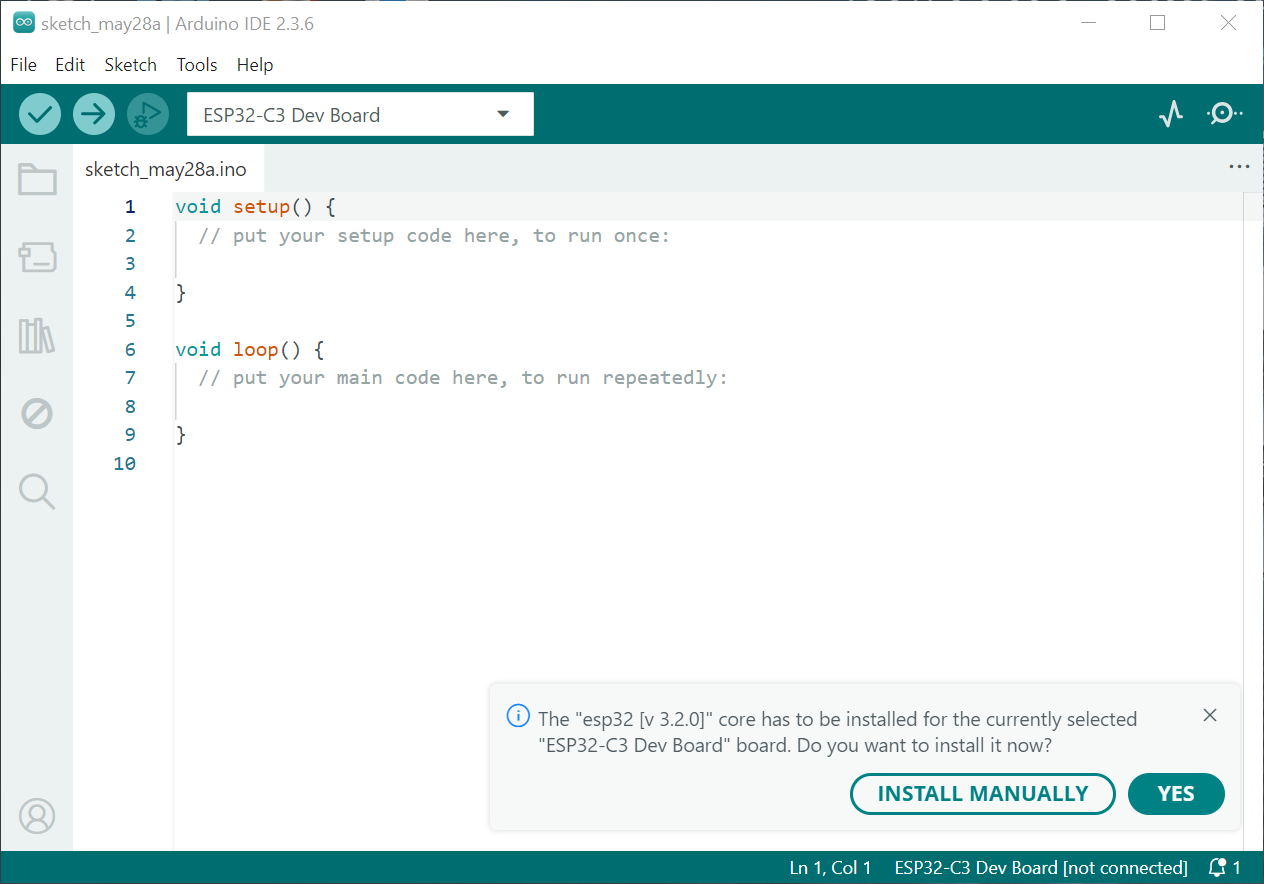
Arduino IDE mit ESP32-C3 Board Fehlermeldung
sketch_may28a | Arduino IDE 2.3.6 File Edit Sketch Tools Help ESP32-C3 Dev Board sketch_may28a.ino void setup() { // put your setup code here, to run once: } void loop() { // put your main code here, to run repeatedly: } The "esp32 [v 3.2.0]" core has to be installed for the currently selected "
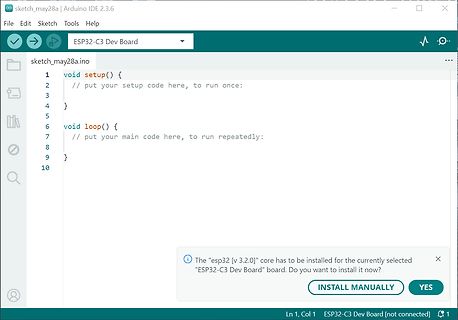
-
 Bild
Bild
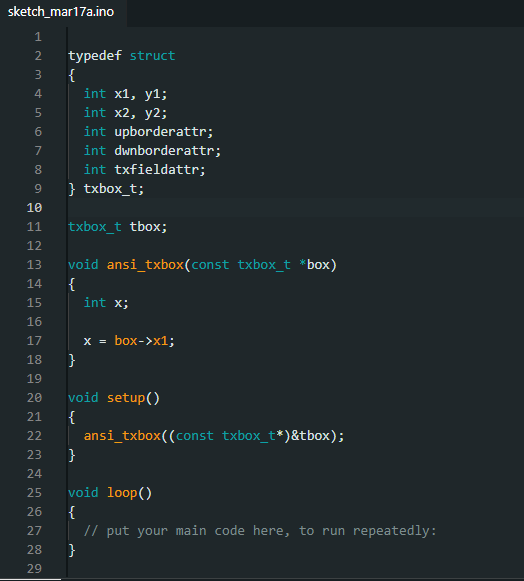
C++ Quellcode für eine Struktur und Funktion
sketch_mar17a.ino 1 2 typedef struct 3 { 4 int x1, y1; 5 int x2, y2; 6 int upborderattr; 7 int dwnborderattr; 8 int txfieldattr; 9 } txbox_t; 10 11 txbox_t tbox; 12 13 void ansi_txbox(const txbox_t *box) 14 { 15 int
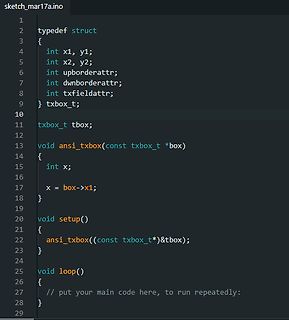
-
 Bild
Bild
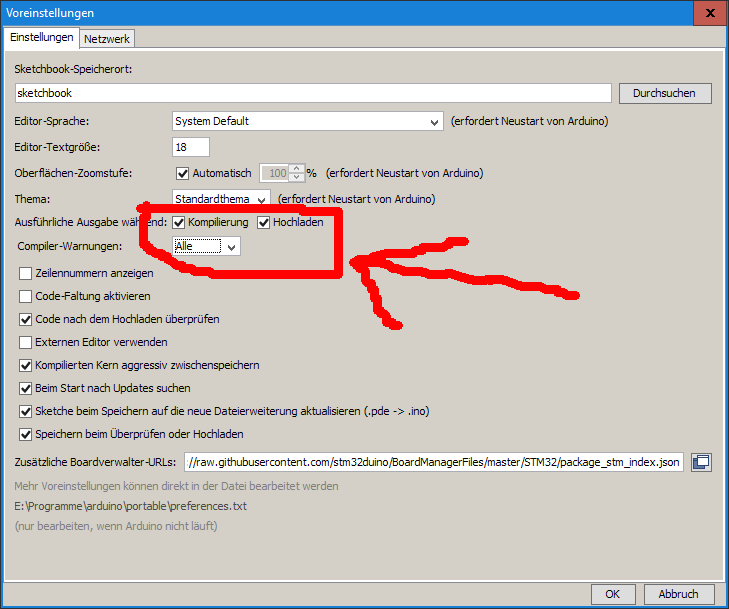
Einstellungen der Arduino IDE
nach Updates suchen Sketchbook beim Speichern auf die neue Dateierweiterung aktualisieren (.pde -> .ino) Speichern beim Überprüfen oder Hochladen Zusätzliche Boardverwalter-URLs: http://raw.githubusercontent.com/stm32duino/BoardManagerFiles/master/STM32/package_stm32_index.json Mehr Voreinstellungen können
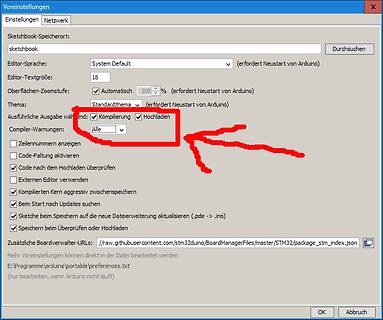
-
 Bild
Bild
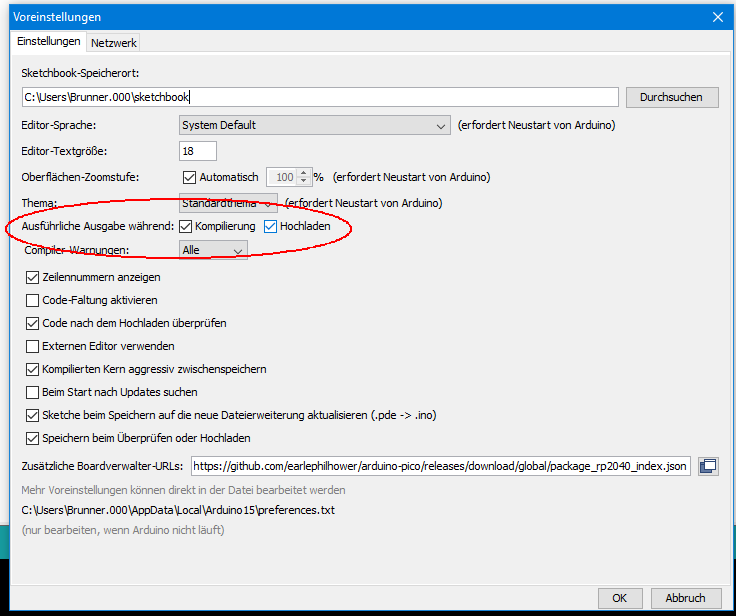
Arduino IDE Voreinstellungen Fenster
Beim Start nach Updates suchen Sketch bei Speichern auf die Dateierweiterung aktualisieren (.pde -> .ino) Speichern bei Überprüfen oder Hochladen Zusätzliche Boardverwalter-URLs: https://github.com/earlephilhower/arduino-pico/releases/download/global/package_rp2040_index.json Mehr Voreinstellungen können
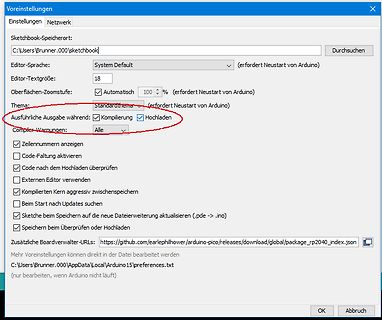
-
 Bild
Bild
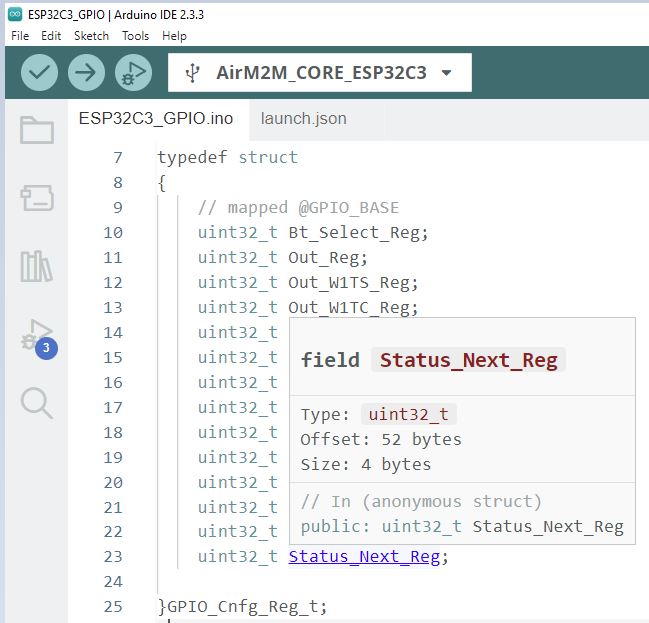
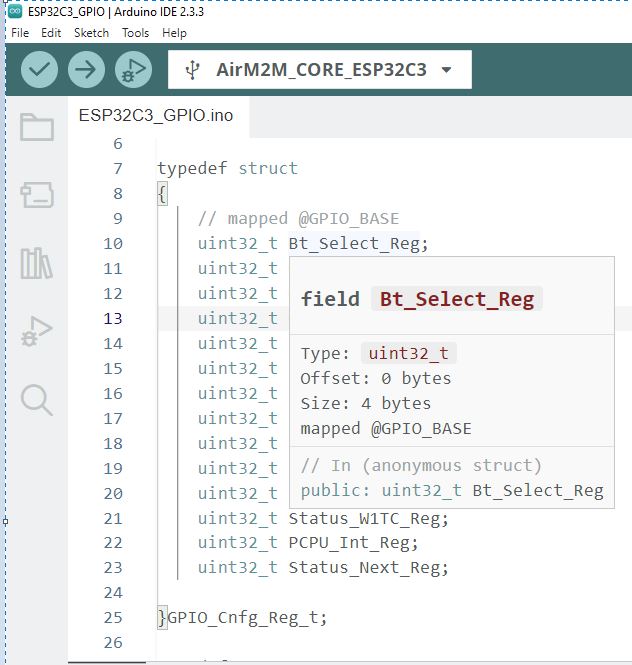
Code-Ausschnitt eines C-Structs in der Arduino IDE
ESP32C3_GPIO | Arduino IDE 2.3.3 File Edit Sketch Tools Help AirM2M_CORE_ESP32C3 ESP32C3_GPIO.ino launch.json typedef struct { // mapped @GPIO_BASE uint32_t Bt_Select_Reg; uint32_t Out_Reg; uint32_t Out_W1TS_Reg; uint32_t Out_W1TC_Reg; uint32_t field Status_Next_Reg uint32_t Type: uint32_t uint32
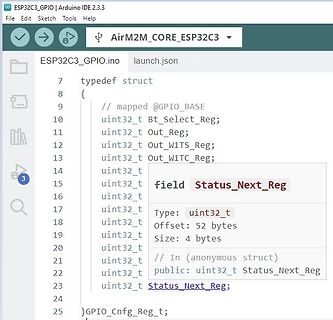
-
 Bild
Bild
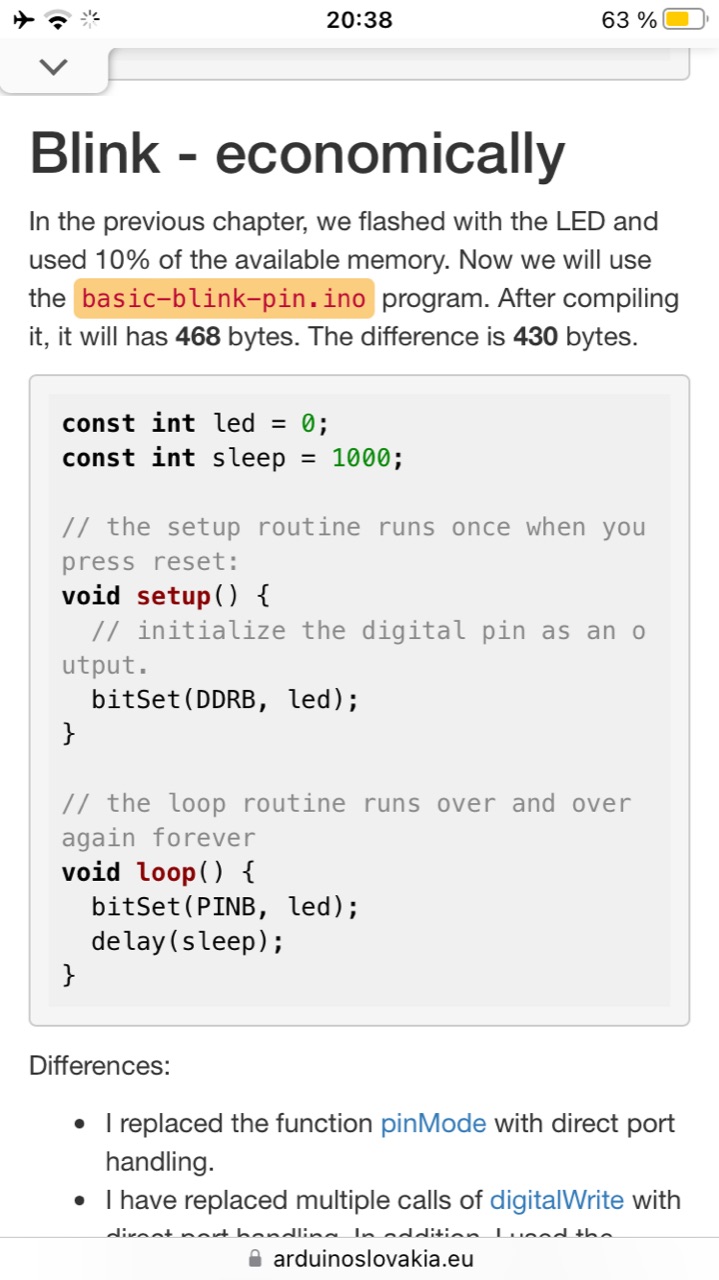
Screenshot eines Programmierbuchs mit Arduino Code
we flashed with the LED and used 10% of the available memory. Now we will use the basic-blink-pin.ino program. After compiling it, it will has 468 bytes. The difference is 430 bytes. const int led = 0; const int sleep = 1000; // the setup routine runs once when you press reset: void setup() { // initialize
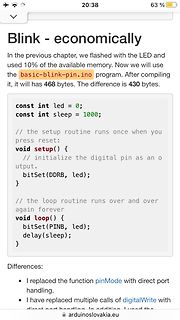
-
Thread
SPI funktioniert nicht
(MISO), 51 (MOSI), 52 (SCK), and 53 (SS). //The full code is in library example file Quick_tour.ino #include <Wire.h> #include <LCD.h> #include <LiquidCrystal.h> #include <buttons.h> #include <MENWIZ.h> #include <EEPROM.h> #include <SPI.h> int adc_key_val[5] ={30, 150, 360, 535, 760 };
-
 Bild
Bild
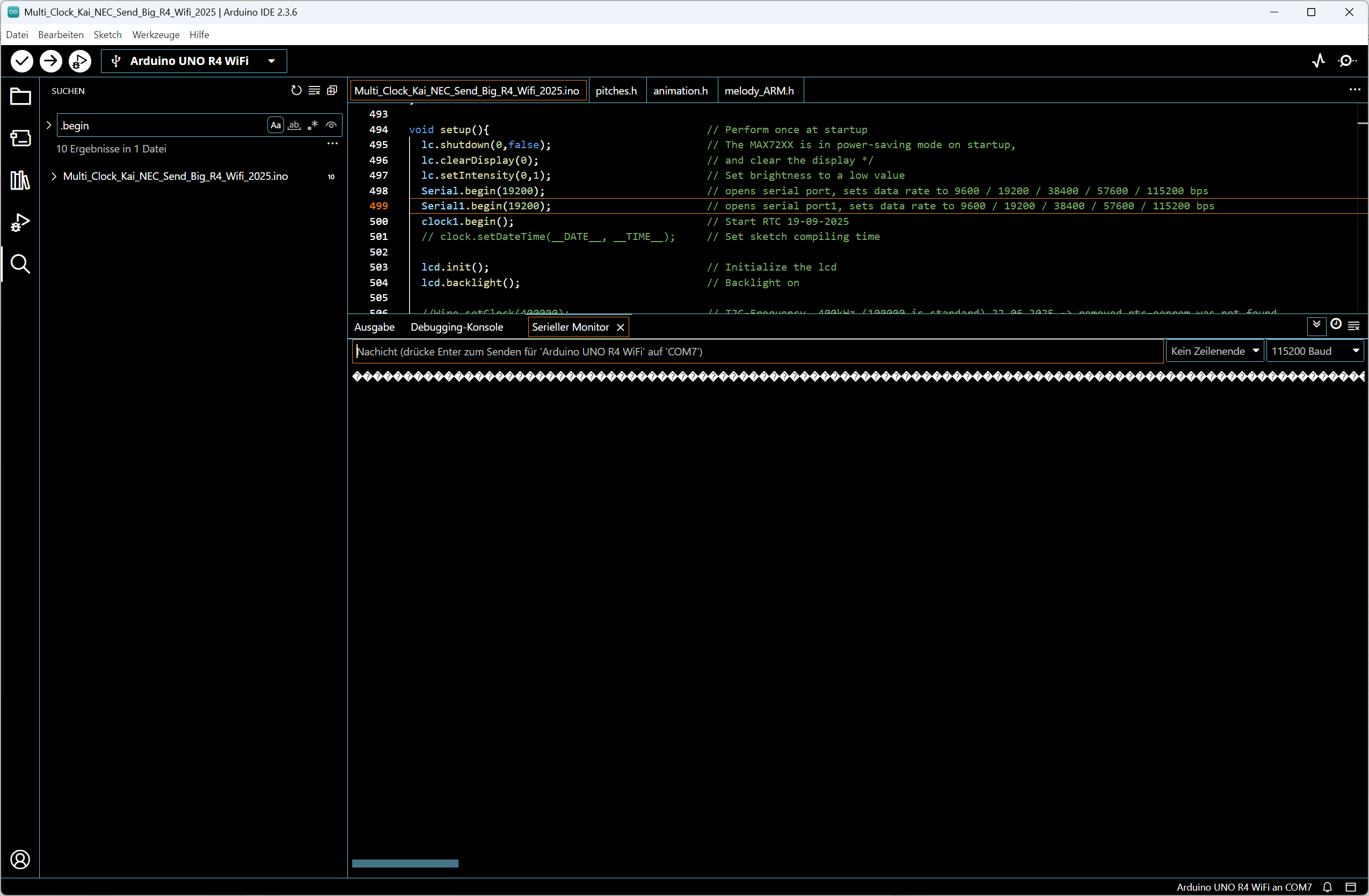
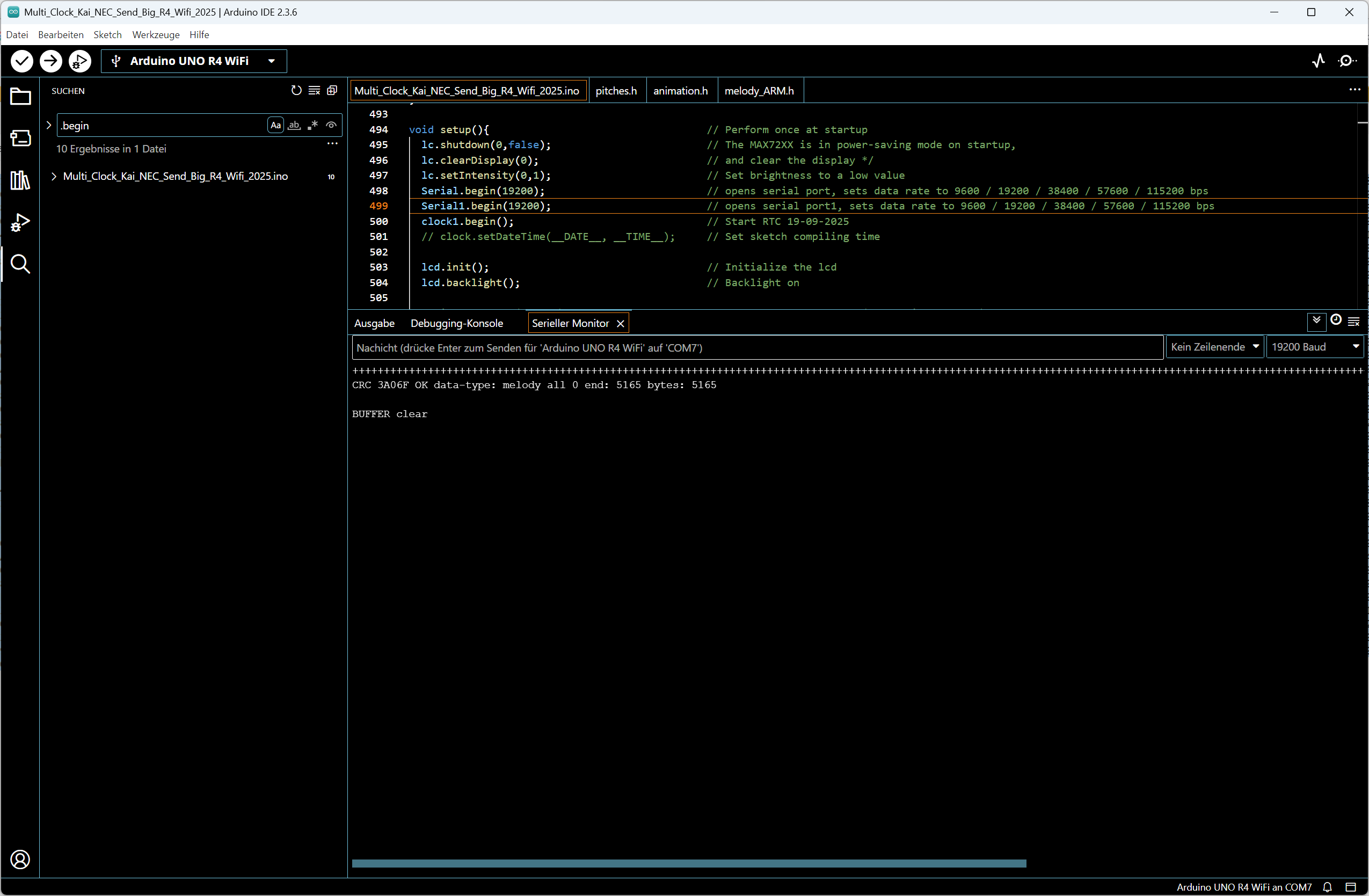
Arduino IDE Code und Serieller Monitor
Multi_Clock_Kai_NEC_Send_Big_R4_WiFi_2025.ino - Arduino IDE 2.3.6 void setup(){ // Perform once at startup lcd.shutdown(0,false); // The MAX72XX is in power-saving mode on startup, // and LCD is turned off; lcd.setIntensity(0,0); // Set brightness

-
 Bild
Bild
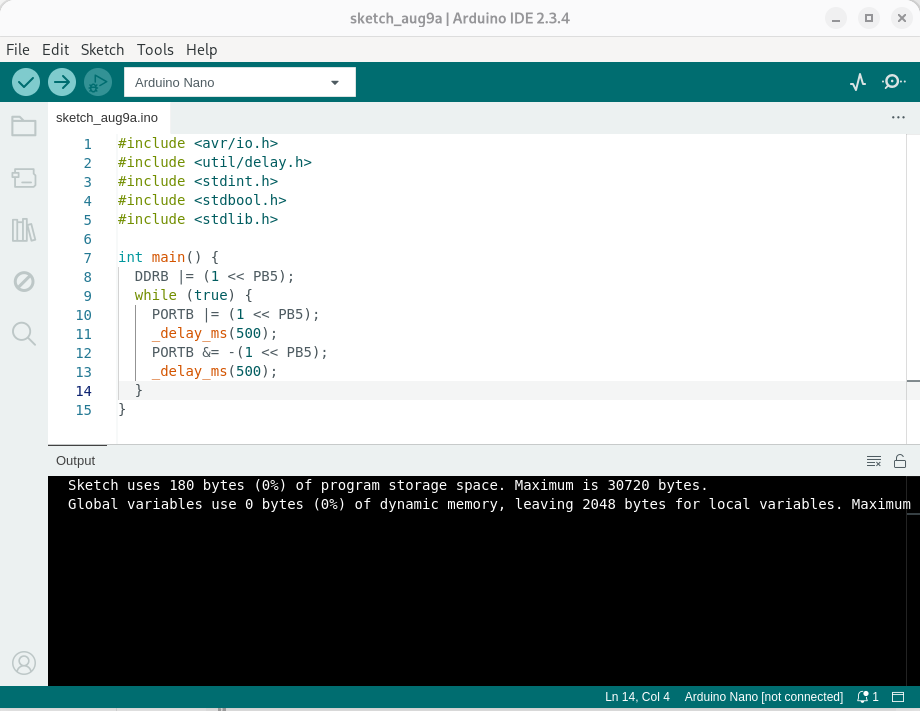
Arduino IDE Code für LED-Blinken
sketch_aug9a | Arduino IDE 2.3.4 File Edit Sketch Tools Help Arduino Nano sketch_aug9a.ino 1 #include <avr/io.h> 2 #include <util/delay.h> 3 #include <stddef.h> 4 #include <stdbool.h> 5 #include <stdlib.h> 6 7 int main() { 8 DDRB |= (1 << PB5); 9 while (true) { 10 PORTB |= (1 << PB5); 11
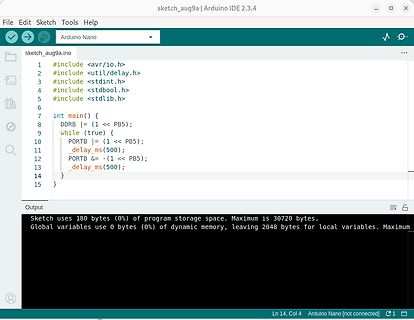
-
 Bild
Bild
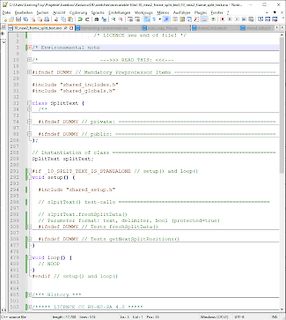
C++ Quellcode in einem Texteditor
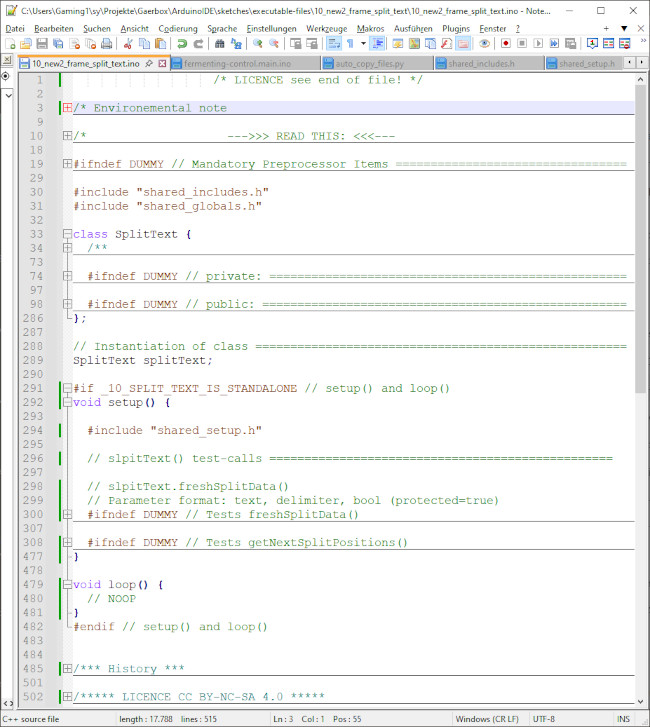
Projects\Gearbox\Arduino\DS\sketch\escribable_files\10_new2_frame_split_text\10_new2_frame_split_text.ino /* LICENCE see end of file */ #ifndef DUMMY // Mandatory Preprocessor Items #include "shared_includes.h" #include "shared_globals.h" class SplitText { #ifndef DUMMY // private: #ifndef DUMMY // public
-
 Bild
Bild
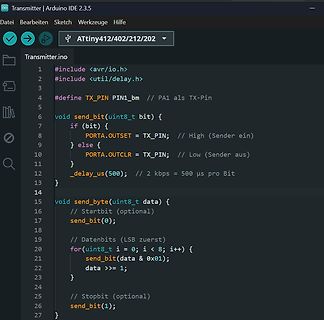
Arduino IDE C++ Code für Transmitter
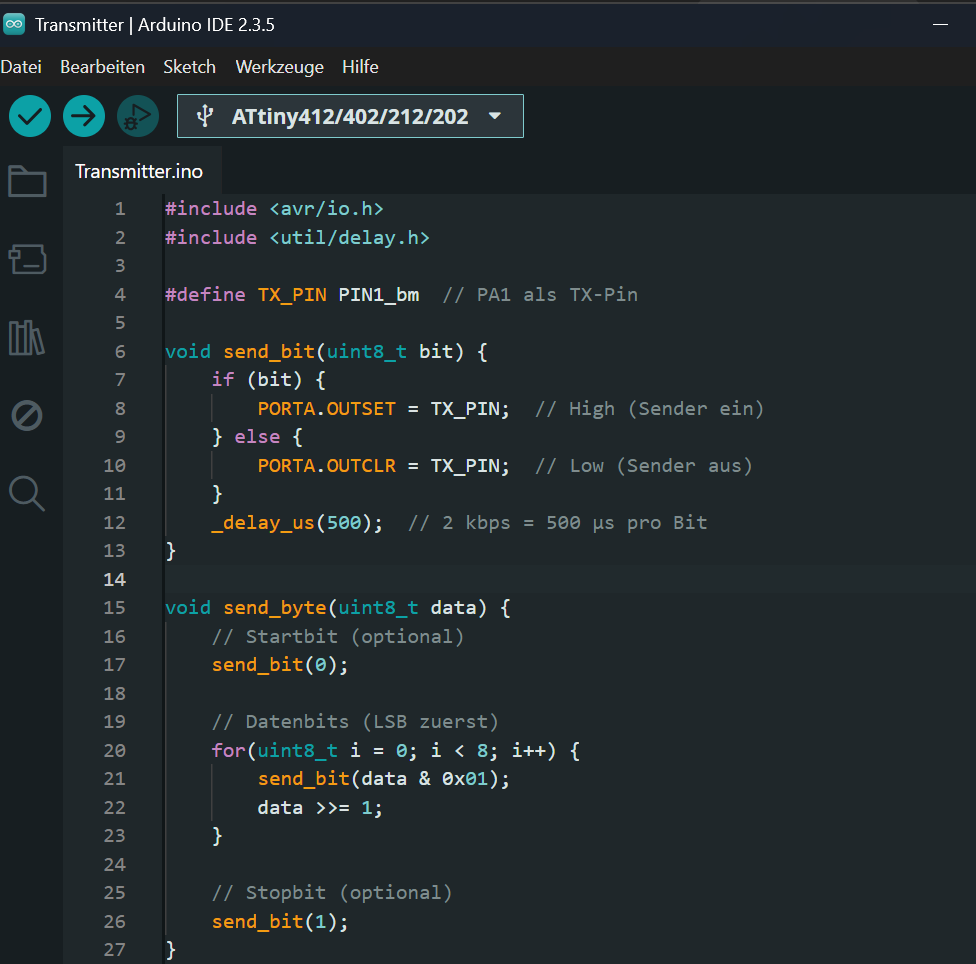
Transmitter · Arduino IDE 2.3.5 Datei Bearbeiten Sketch Werkzeuge Hilfe ATtiny412/402/212/202 Transmitter.ino #include <avr/io.h> #include <util/delay.h> #define TX_PIN PIN1_bm // PA1 als TX-Pin void send_bit(uint8_t bit) { if (bit) { PORTA.OUTSET = TX_PIN; // High (Sender ein) } else { PORTA.OUTCLR = TX_PIN
-
 Bild
Bild
Foto eines Computerbildschirms mit Arduino-Code und Serieller Monitor
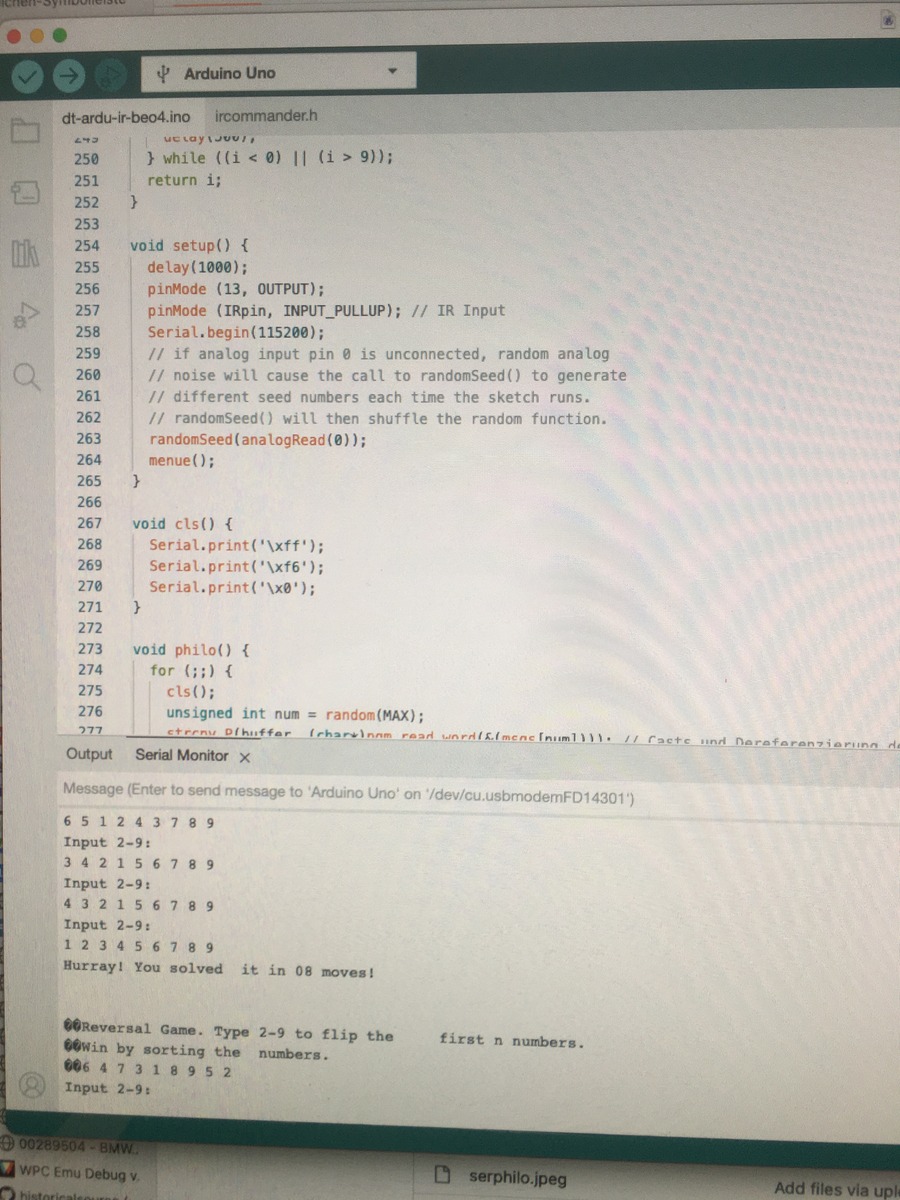
dt-ardu-ir-beo4.ino ircommander.h void setup() { pinMode(13, OUTPUT); pinMode(IRpin, INPUT_PULLUP); Serial.begin(115200); randomSeed(analogRead(0)); } void cls() { Serial.print('\xff'); Serial.print('\xf6'); Serial.print
-
 Bild
Bild
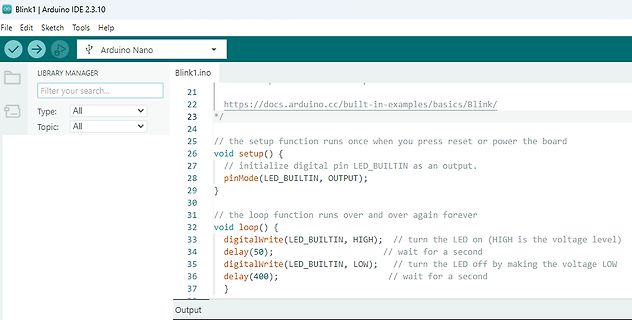
Arduino IDE Code für Blink-Beispiel
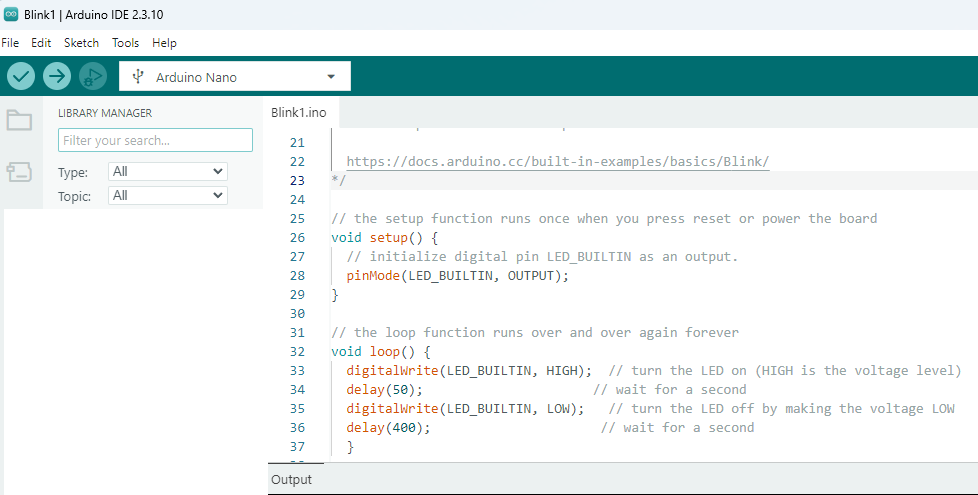
2.3.10 File Edit Sketch Tools Help LIBRARY MANAGER Filter your search... Type: All Topic: All Blink1.ino 21 22 https://docs.arduino.cc/built-in-examples/basics/Blink/ 23 /* 24 // the setup function runs once when you press reset or power the board 25 void setup() { 26 // initialize digital pin LED_BUILTIN
-
 Bild
Bild
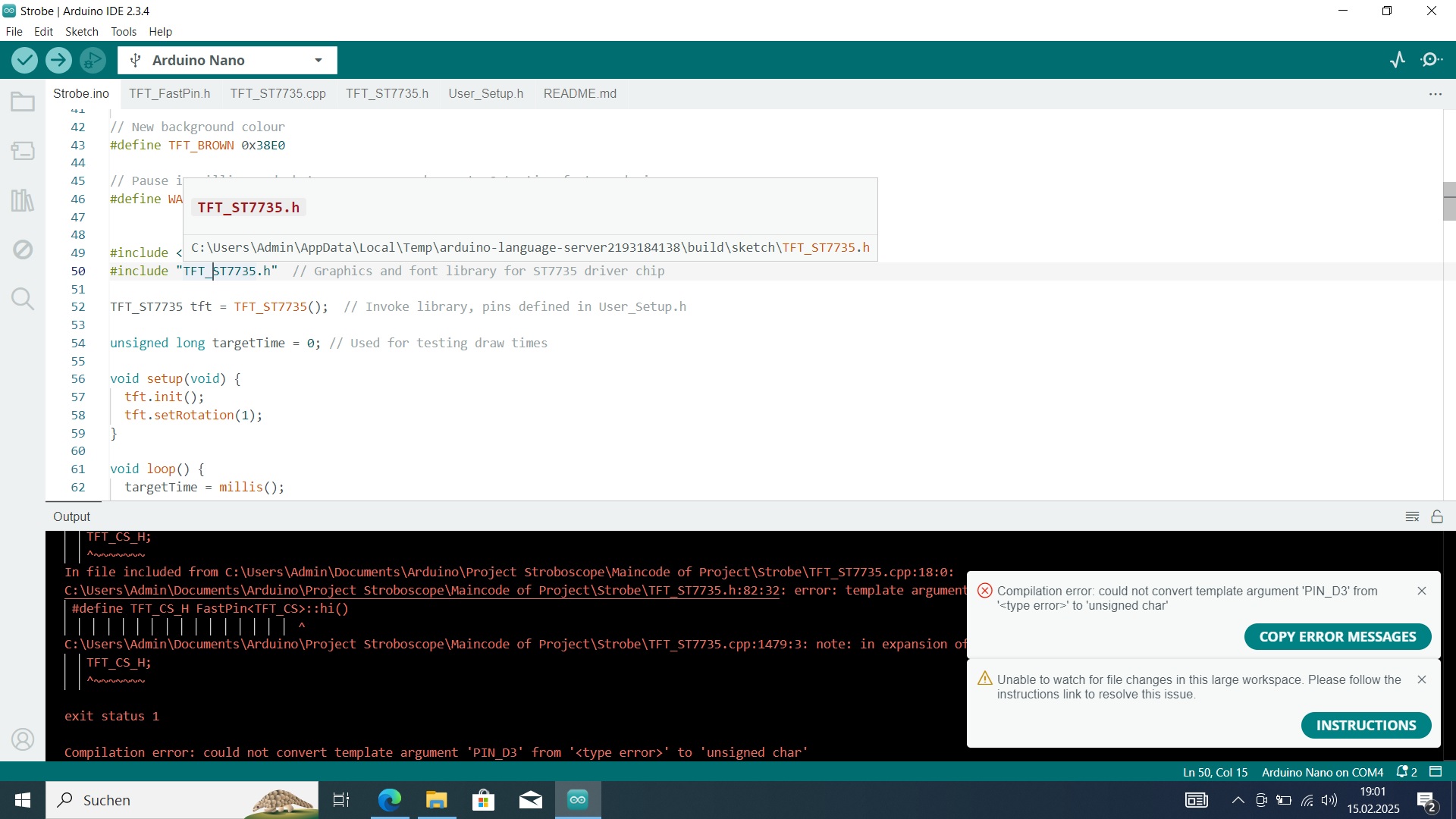
Arduino IDE Fehlermeldung beim Kompilieren
Strobe | Arduino IDE 2.3.4 Strobe.ino TFT_FastPin.cpp TFT_ST7735.cpp TFT_ST7735.h User_Setup.h README.md #include <C:\Users\Admin\AppData\Local\Temp\arduino-language-server-2193184138\build\TFT_ST7735.h> #include "TFT_ST7735.h" void setup
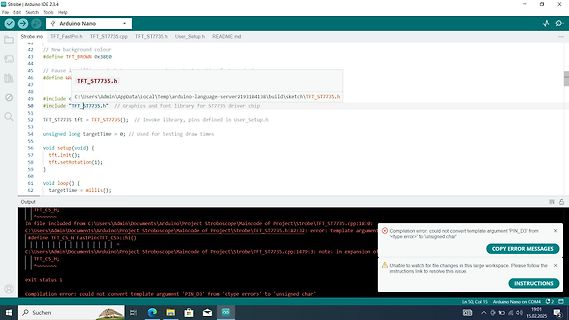
-
 Bild
Bild
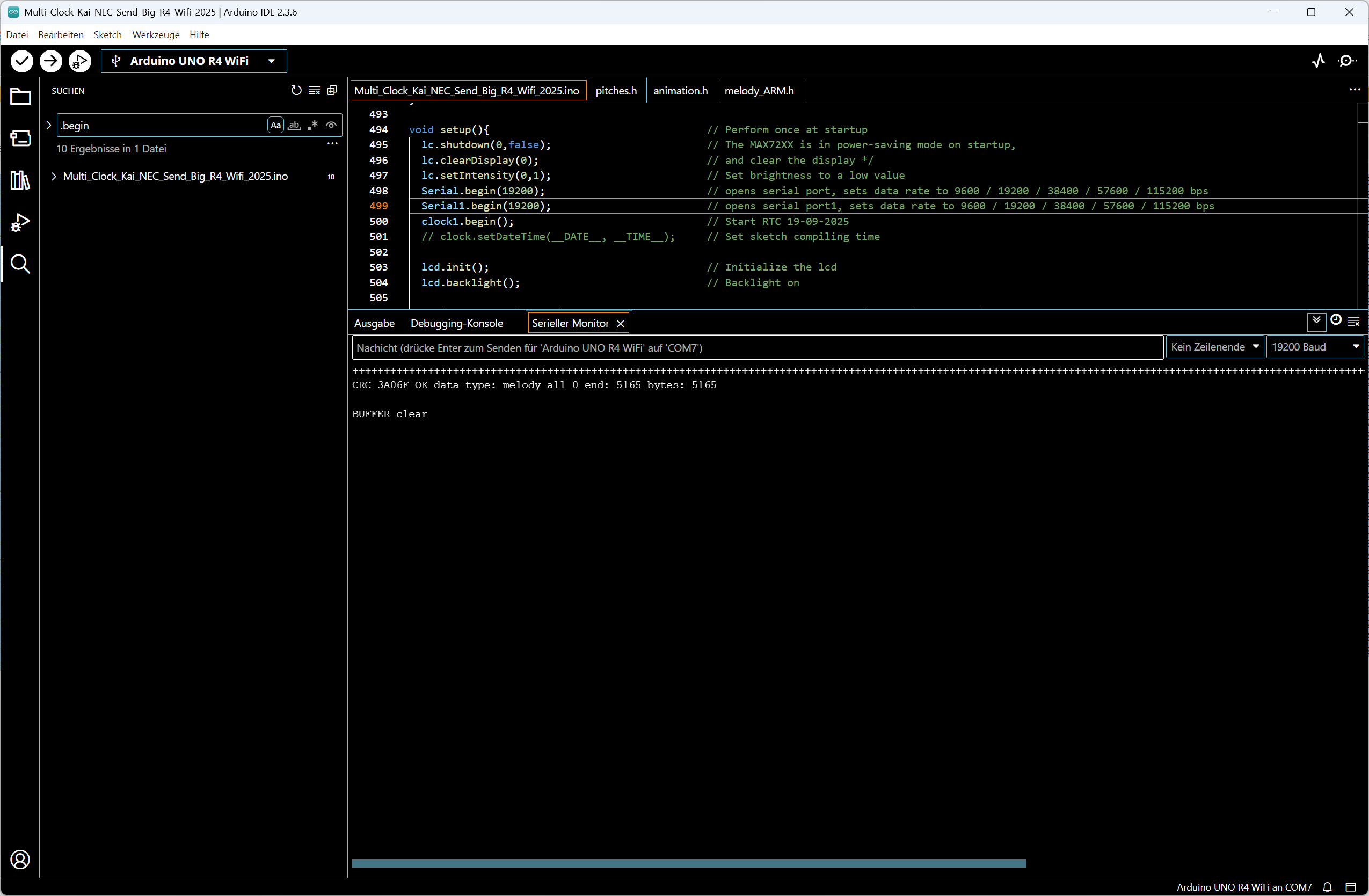
Arduino IDE Code und Serieller Monitor
Multi_Clock_Kai_NEC_Send_Big_R4_WiFi_2025.ino void setup(){ // Perform once at startup lc.shutdown(0,false); // The MAX72XX is in power-saving mode on startup, // and lc.setIntensity(0,0); // Set brightness to a low value lc.setIntensity(0,0);

-
 Bild
Bild
Arduino IDE Code und Serieller Monitor
Multi_Clock_Kai_NEC_Send_Big_R4_WiFi_2025.ino void setup(){ // Perform once at startup lc.shutdown(0,false); // The MAX72XX is in power-saving mode on startup, // and lc.setIntensity(0,0); // Set brightness to a low value lc.setIntensity(0,0);

-
 Bild
Bild
Wokwi Simulator mit ESP32 Code und Schaltkreis
WOKWI SAVE SHARE 2 Tasks LED Blink Docs esp32-blink.ino diagram JSON Library Manager Simulation 00:53.415 100% ESP32 blinkRed LED Specific Red LED C Function xTaskCreate blinkRed LED "Red Blink" // A name just for humans 2048 // The stack size NULL // Task
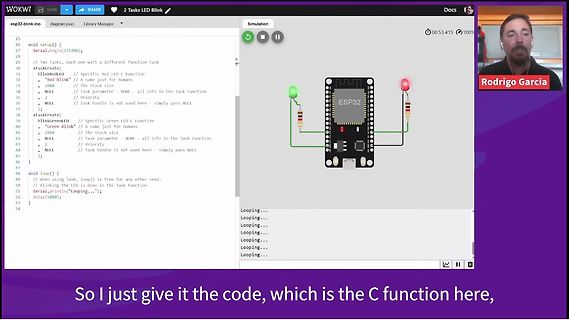
-
 Bild
Bild
C-Code Ausschnitt für ESP32C3 GPIO Register
ESP32C3_GPIO | Arduino IDE 2.3.3 File Edit Sketch Tools Help AirM2M_CORE_ESP32C3 ESP32C3_GPIO.ino 6 7 typedef struct 8 { 9 // mapped @GPIO_BASE 10 uint32_t Bt_Select_Reg; 11 uint32_t 12 uint32_t field Bt_Select_Reg 13 uint32_t 14 uint32_t Type: uint32_t 15 uint32_t offset: 0 bytes 16 uint32_t size
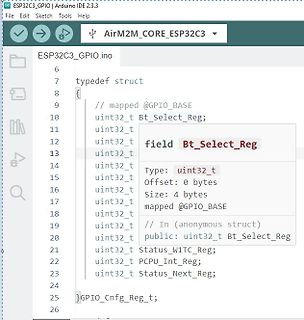
-
Thread
Arduino: Ist boolean intern als Bit oder byte (char) organisiert?
Dieses Framework ist zu großen Teilen in C geschrieben. Wenige *.S Dateien, also Assembler Die *.ino, mit denen der Arduino Nutzer als erstes in Berührung kommt und viele, die meisten, der Libraries sind in C++ geschrieben. Man kann also nicht wirklich von "Der Arduino Sprache" sprechen. Aus
-
 Bild
Bild
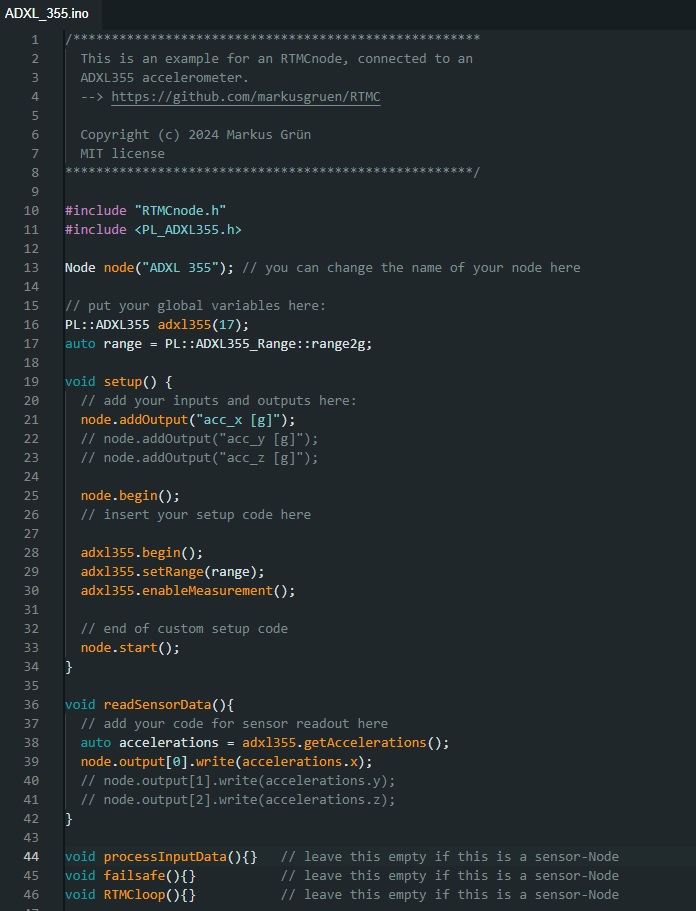
C++ Quellcode für ADXL355 Beschleunigungssensor
ADXL_355.ino // **************************************************** // This is an example for an RTMCnode, connected to an // ADXL355 accelerometer. // --> https://github.com/markusgruen/RTMC // Copyright (c) 2024
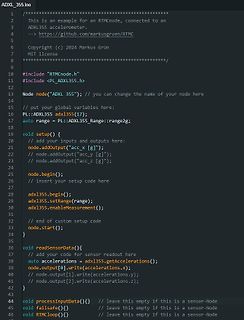
-
 Bild
Bild
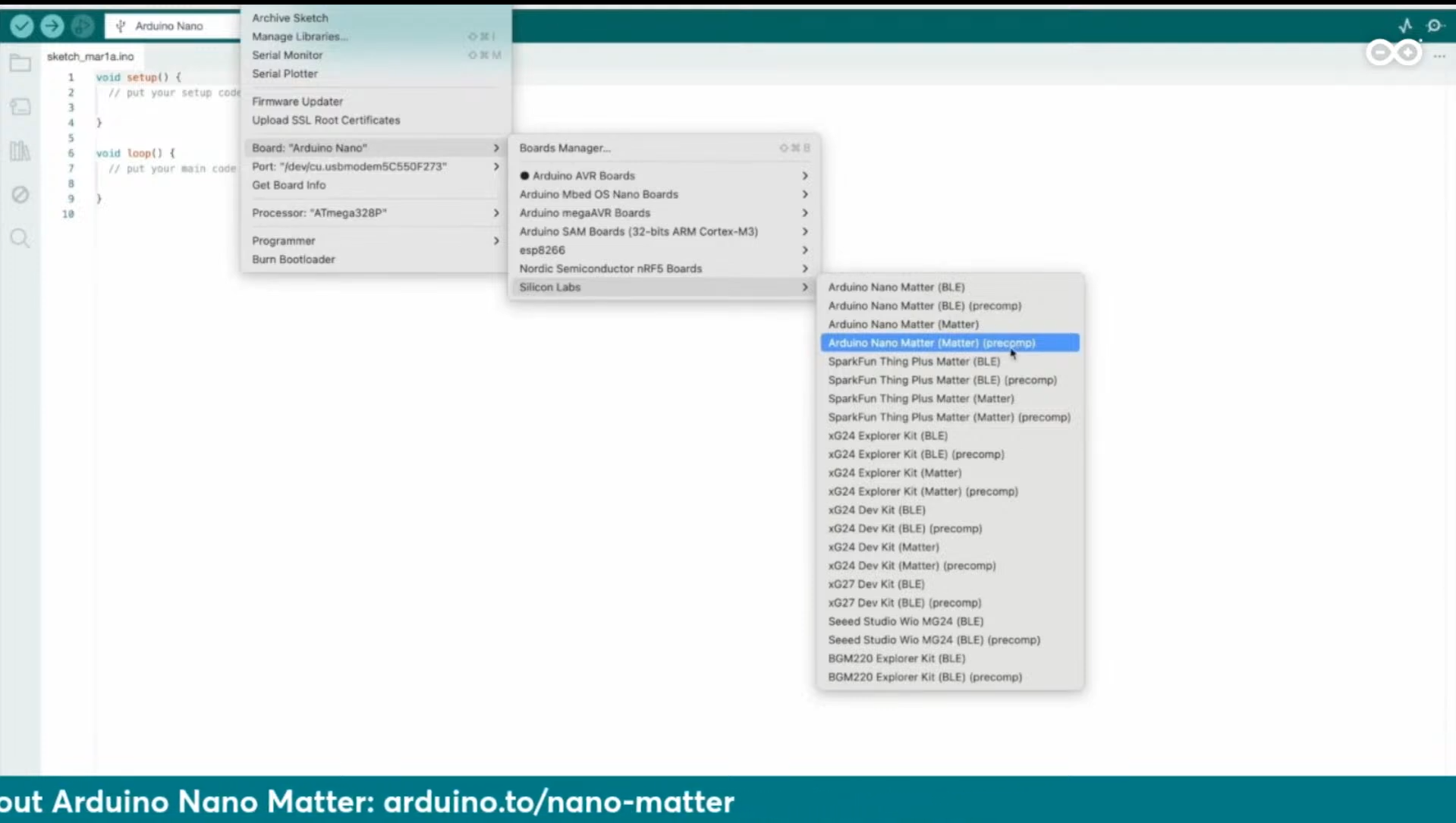
Arduino IDE Board Manager Menü mit Arduino Nano Matter
Arduino Nano sketch_marta.ino void setup() { } void loop() { } Board: "Arduino Nano" Processor: "ATmega328P" Boards Manager... Arduino AVR Boards Arduino Mbed OS Nano Boards Arduino megaAVR Boards Arduino SAM Boards (32-bits ARM