1 | from commpy import modulation, filters
|
2 | from scipy import signal
|
3 | import numpy as np
|
4 | import matplotlib.pyplot as plt
|
5 | from pylab import *
|
6 | from bindings.python import iio
|
7 | from rtlsdr import RtlSdr
|
8 |
|
9 | sdr = RtlSdr()
|
10 |
|
11 | sdr.sample_rate = 3.0e6
|
12 | sdr.center_freq = 1.2e9
|
13 | sdr.gain = 4
|
14 |
|
15 |
|
16 |
|
17 |
|
18 |
|
19 |
|
20 | # User configurable
|
21 | TXLO = 1200000000
|
22 | TXBW = 5000000
|
23 | TXFS = 3000000
|
24 | RXLO = TXLO
|
25 | RXBW = TXBW
|
26 | RXFS = TXFS
|
27 |
|
28 | ctx = iio.scan_contexts();
|
29 | print(ctx)
|
30 |
|
31 | list = []
|
32 |
|
33 | for i,j in ctx.items():
|
34 | list.append(i)
|
35 |
|
36 | ctx = iio.Context(_context=list[0])
|
37 |
|
38 |
|
39 | ctrl = ctx.find_device("ad9361-phy")
|
40 | txdac = ctx.find_device("cf-ad9361-dds-core-lpc")
|
41 | rxadc = ctx.find_device("cf-ad9361-lpc")
|
42 |
|
43 | # Configure transceiver settings
|
44 | ctrl.channels[0].attrs["frequency"].value = str(int(RXLO))
|
45 | ctrl.channels[1].attrs["frequency"].value = str(int(TXLO))
|
46 | ctrl.channels[4].attrs["rf_bandwidth"].value = str(int(RXBW))
|
47 | ctrl.channels[5].attrs["rf_bandwidth"].value = str(int(TXBW))
|
48 | ctrl.channels[4].attrs["sampling_frequency"].value = str(int(RXFS))
|
49 | ctrl.channels[5].attrs["sampling_frequency"].value = str(int(TXFS))
|
50 | ctrl.channels[5].attrs['gain_control_mode'].value = 'slow_attack'
|
51 | #ctrl.channels[5].attrs['hardwaregain'].value = '20'
|
52 |
|
53 | # Enable all IQ channels
|
54 | rxadc.channels[0].enabled = True
|
55 | rxadc.channels[1].enabled = True
|
56 | txdac.channels[4].enabled = True
|
57 | txdac.channels[5].enabled = True
|
58 |
|
59 |
|
60 | # Force DAC to use DMA not DDSs
|
61 | txdac.channels[0].attrs['raw'].value = str(0)
|
62 | txdac.channels[1].attrs['raw'].value = str(0)
|
63 | txdac.channels[2].attrs['raw'].value = str(0)
|
64 | txdac.channels[3].attrs['raw'].value = str(0)
|
65 |
|
66 |
|
67 | # Create cyclic buffer for TX data
|
68 | N = 2**15
|
69 | txbuf = iio.Buffer(txdac, N, False)
|
70 |
|
71 |
|
72 |
|
73 |
|
74 |
|
75 | # QPSK Modulation
|
76 |
|
77 | psk = modulation.PSKModem(4)
|
78 |
|
79 | input_bits = [1, 1, 0, 0, 1, 0, 0, 1, 1, 1,]
|
80 |
|
81 | psk_val = psk.modulate(input_bits=input_bits)
|
82 |
|
83 |
|
84 | x = np.linspace(-4,4,2000)
|
85 |
|
86 | #Filtering the modulated input bits with the sinc function
|
87 |
|
88 | conv_re = []
|
89 | conv_im = []
|
90 | for sym in psk_val:
|
91 |
|
92 | conv_re.append(np.convolve(np.sinc(x),real(sym)))
|
93 | conv_im.append(np.convolve(np.sinc(x),imag(sym)))
|
94 |
|
95 | conv_re = 1000000*np.reshape(conv_re,(1,size(conv_re)))
|
96 | conv_im = 1000000*np.reshape(conv_im,(1,size(conv_im)))
|
97 | print(psk_val)
|
98 |
|
99 |
|
100 |
|
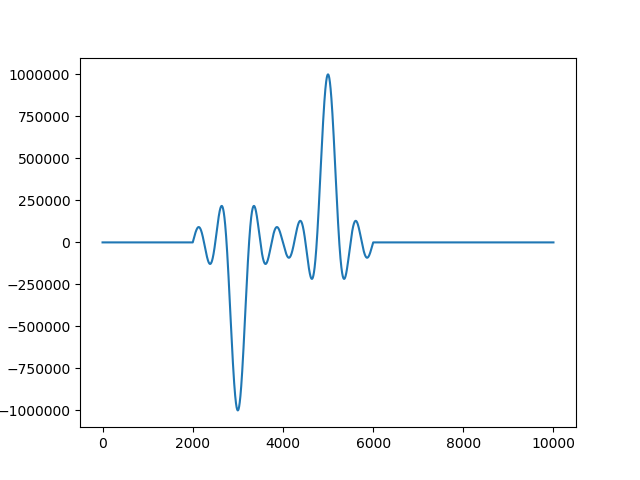
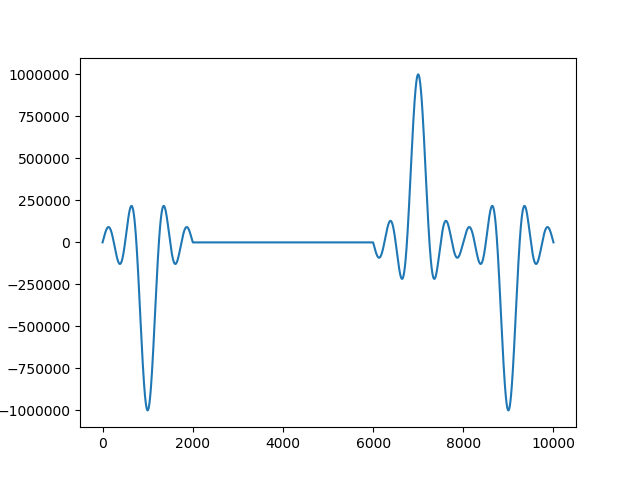
101 | """plt.figure(5)
|
102 | plt.plot(conv_im[0])
|
103 | plt.figure(6)
|
104 | plt.plot(conv_re[0])"""
|
105 |
|
106 |
|
107 | iq = np.empty((conv_re.size + conv_im.size,), dtype=conv_im.dtype)
|
108 | iq[0::2] = conv_re
|
109 | iq[1::2] = conv_im
|
110 |
|
111 | iq = np.int16(iq)
|
112 |
|
113 | # Send data to buffer
|
114 | txbuf.write(iq)
|
115 | txbuf.push()
|
116 |
|
117 | samples = sdr.read_samples()
|
118 |
|
119 |
|
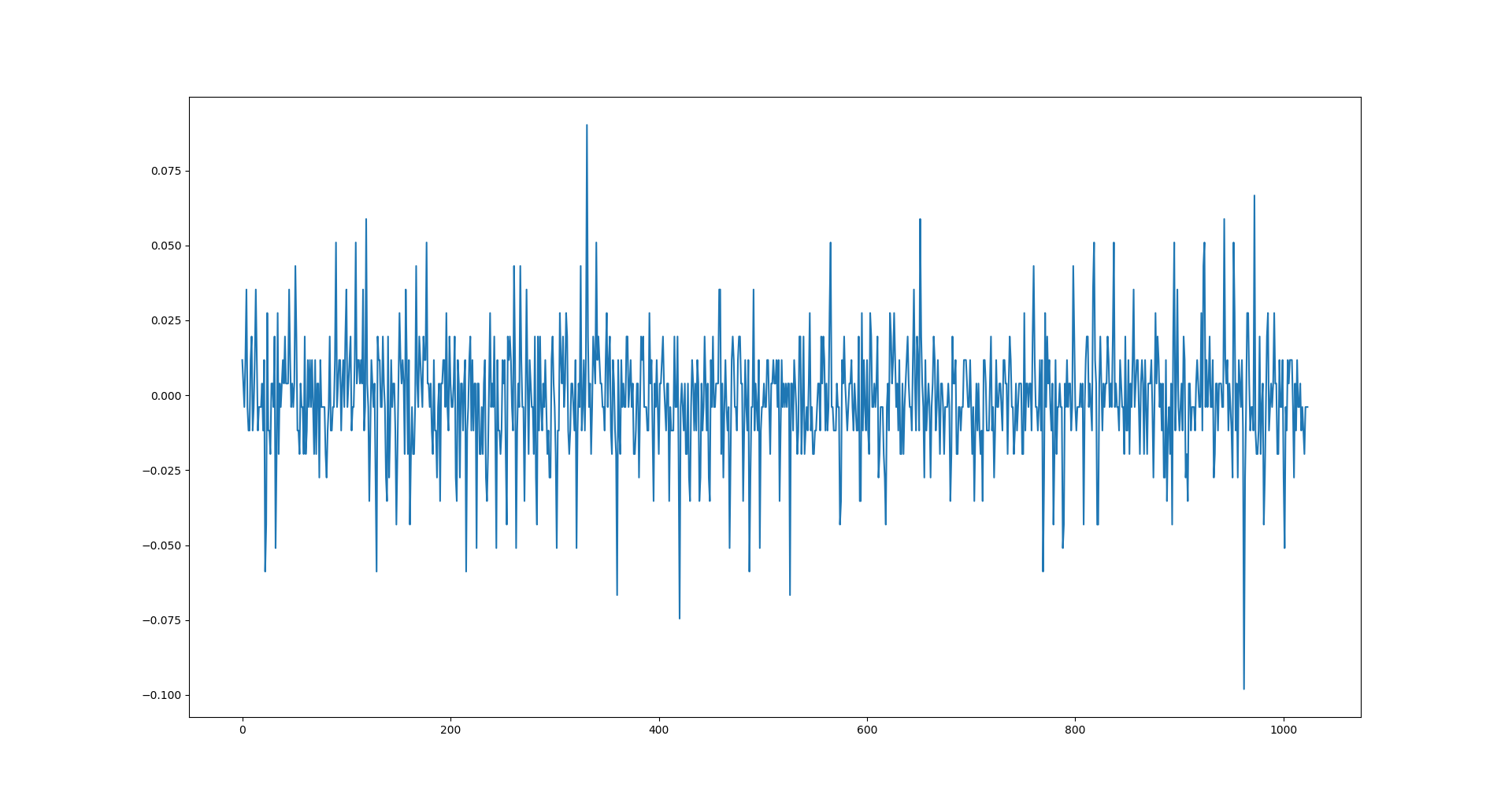
120 | plt.figure(13)
|
121 | plt.plot(real(samples))
|
122 |
|
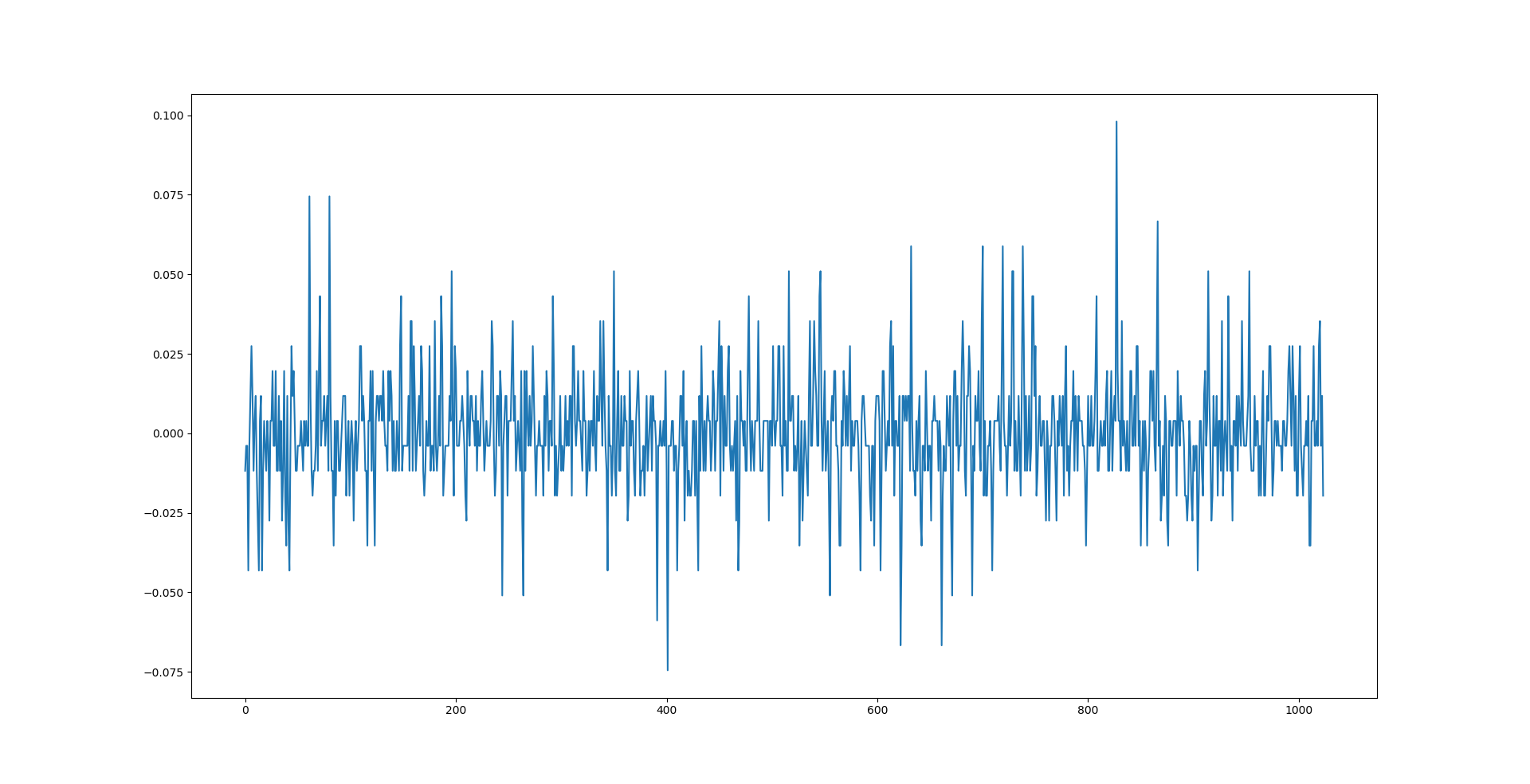
123 | plt.figure(19)
|
124 | plt.plot(imag(samples))
|
125 |
|
126 | plt.show()
|