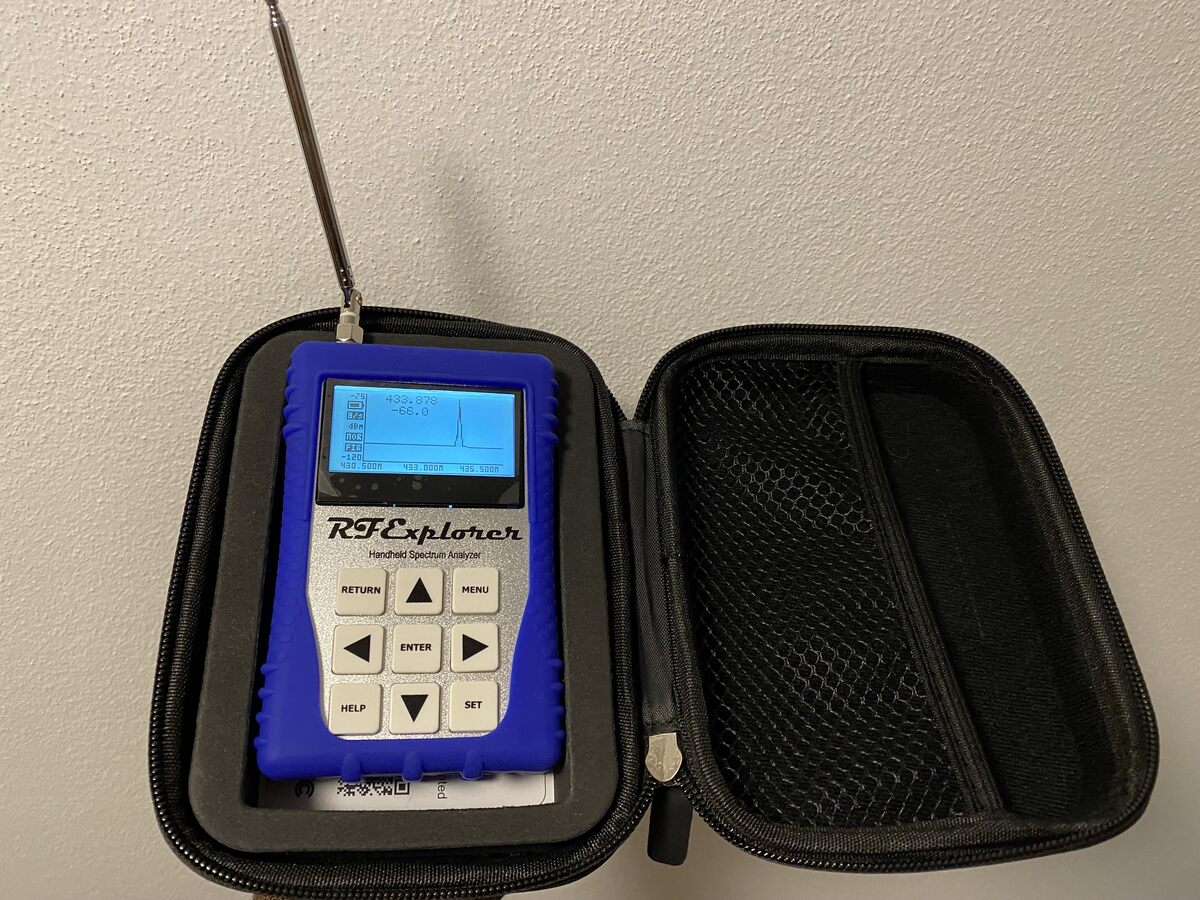
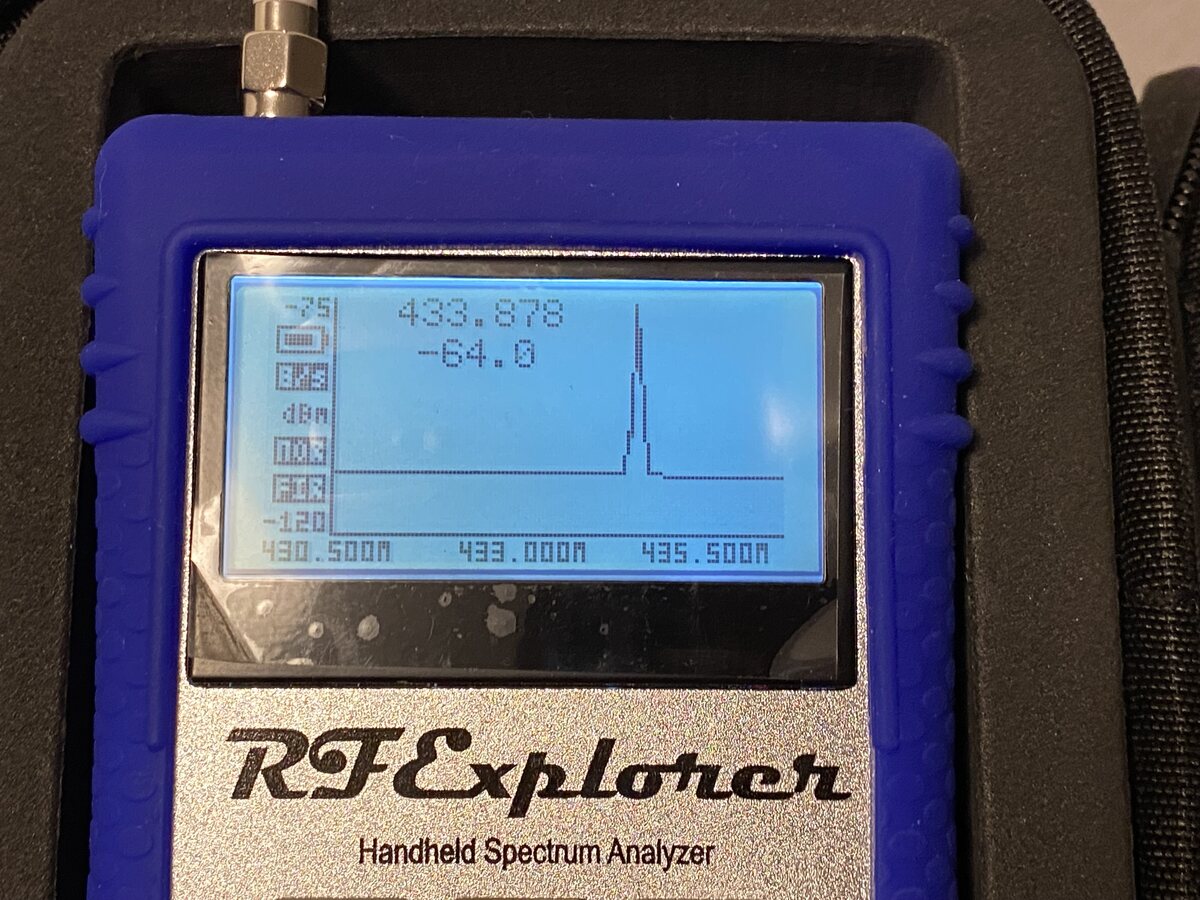
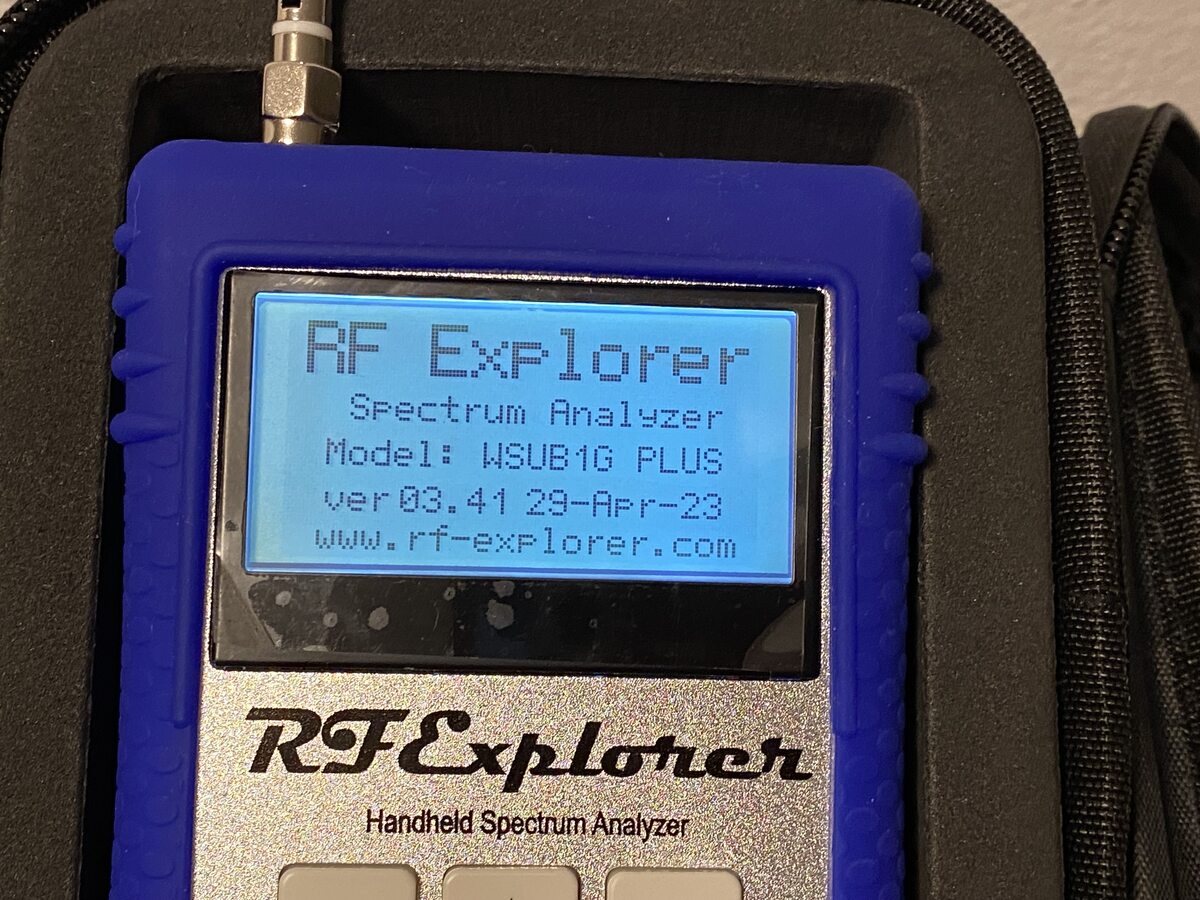
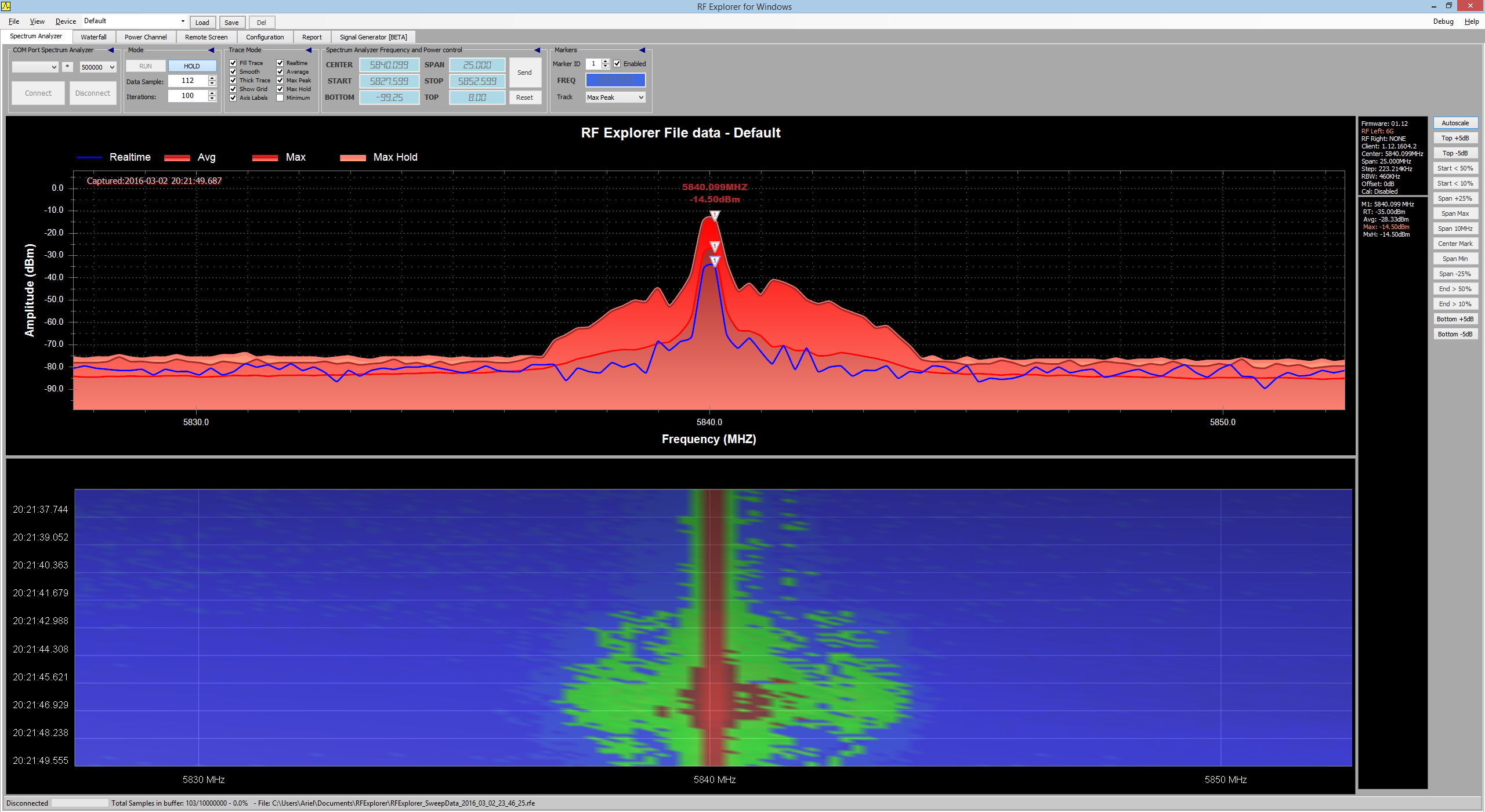
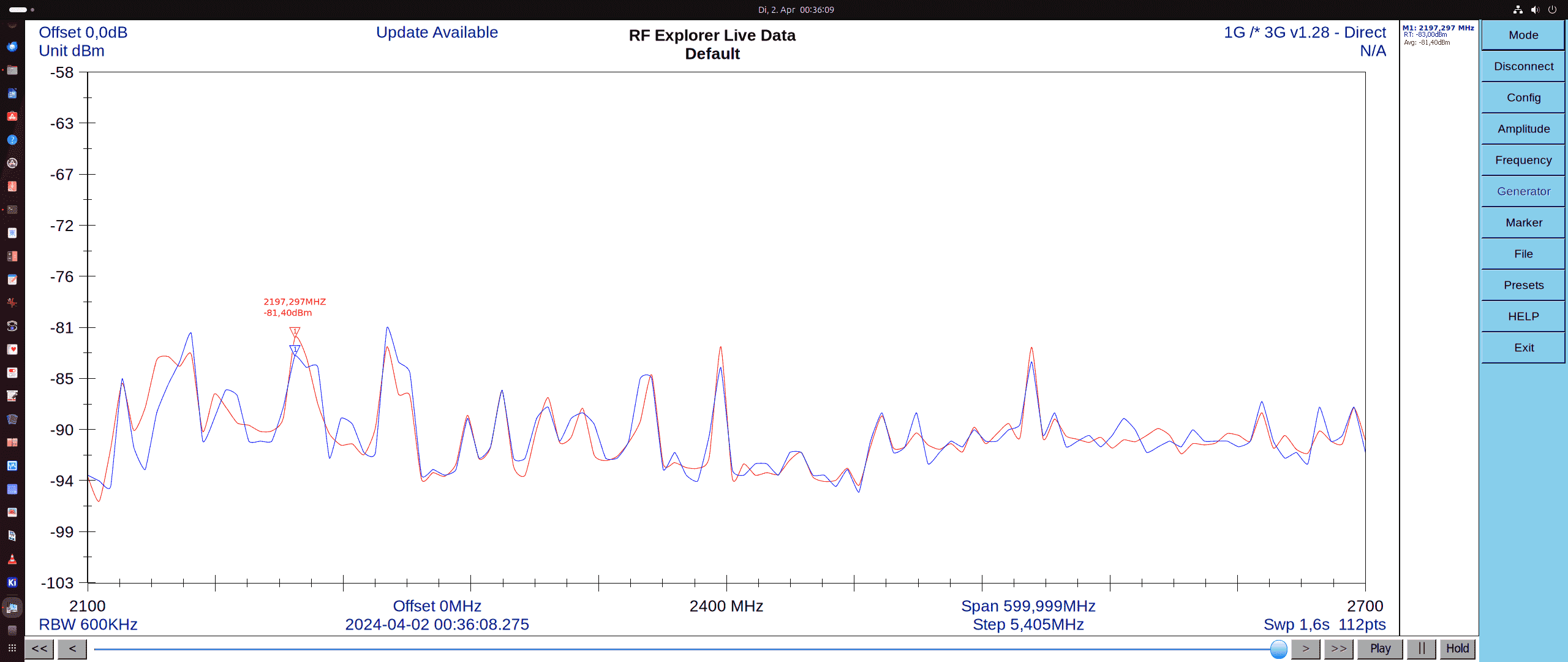
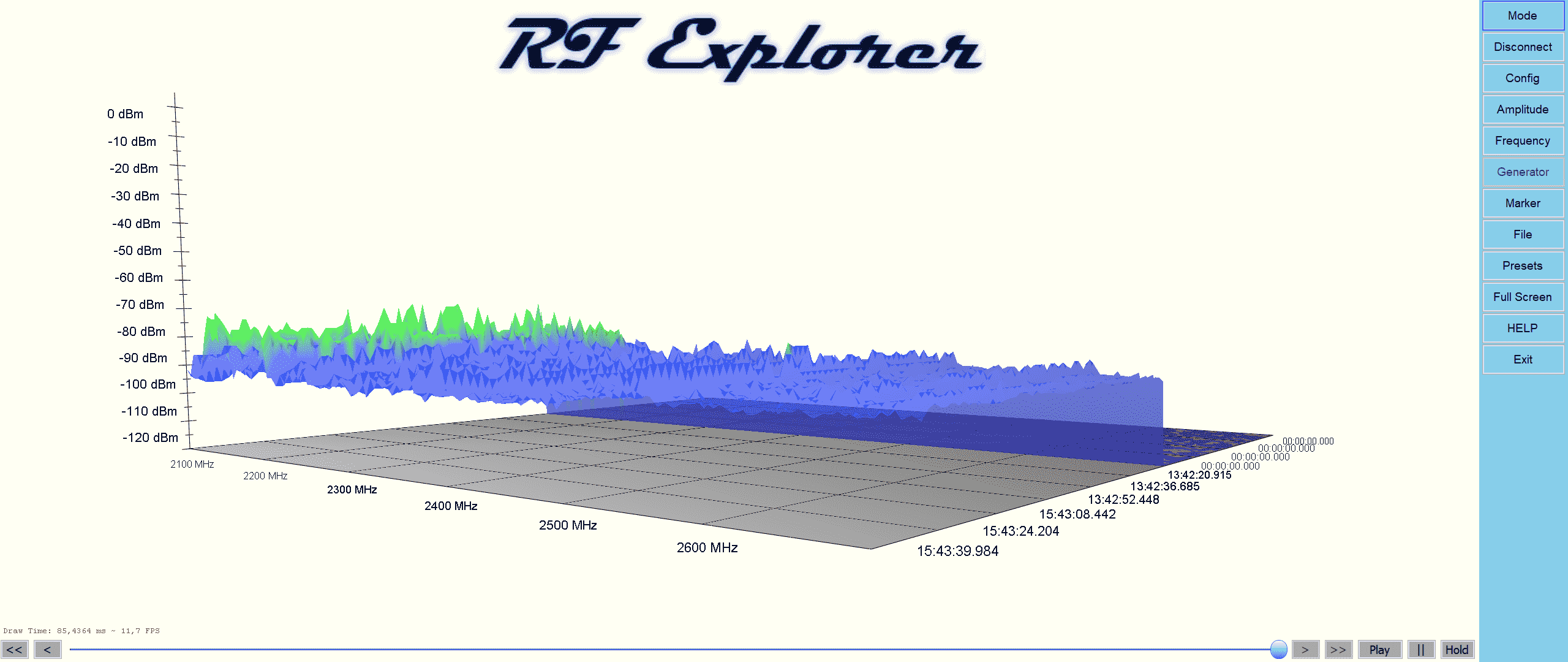
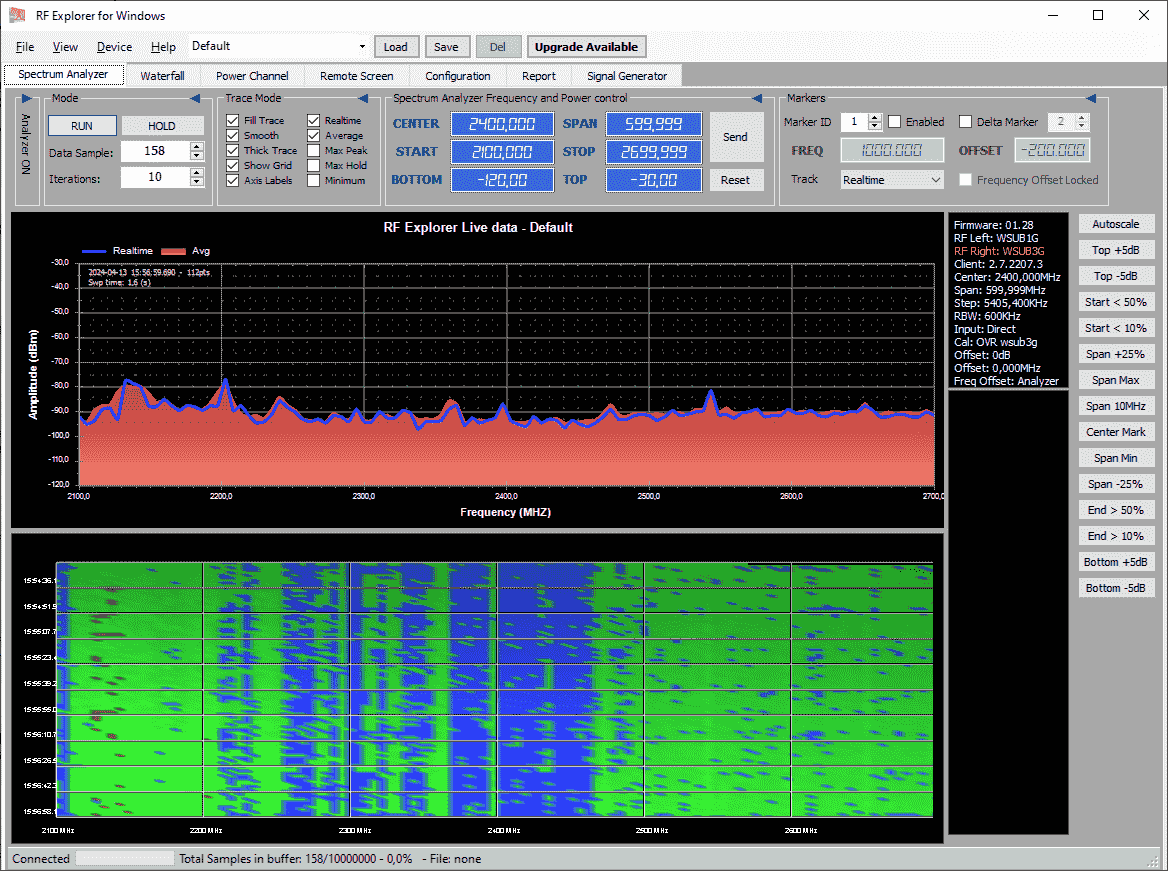
Zum Verkauf steht ein neuwertiger, fast nie verwendeter RFExplorer WSUB1G Plus Spektrumanalyzer. Mit dem Gerät lassen bis 1 GHz analysieren und darstellen. Mit der PC-Software (Screenshotbeispiel des Herstellers unter den Fotos) lassen sich auch farbige (Wasserfall-)Diagramme und weitere Parameter darstellen. Vorhanden sind ein USB-Anschluss für Daten und zum Aufladen, sowie ein SMA-Antennenanschluss.
Das Gerät habe ich 2021 für 217€ erworben und bin seitdem kaum dazu gekommen damit zu arbeiten. Die Displayschutzfolie ist noch original darauf. Jetzt möchte ich dafür noch 140€ VB inkl. Versand.
Es handelt sich dabei um das bessere Plus-Modell. Inklusive der abgebildeten Antenne, Stoßschutz und Schutzhülle.
Verkauf unter Ausschluss der Gewährleistung.
-
 IMG_4767.jpeg
(240 KB)
IMG_4767.jpeg
(240 KB)
-
 IMG_4768.jpeg
(230 KB)
IMG_4768.jpeg
(230 KB)
-
 IMG_4769.jpeg
(240 KB)
IMG_4769.jpeg
(240 KB)
-
 IMG_4773.png
(450 KB)
IMG_4773.png
(450 KB)